UK Bank App Not Working in Thailand? The Fix for British Expats (2026)
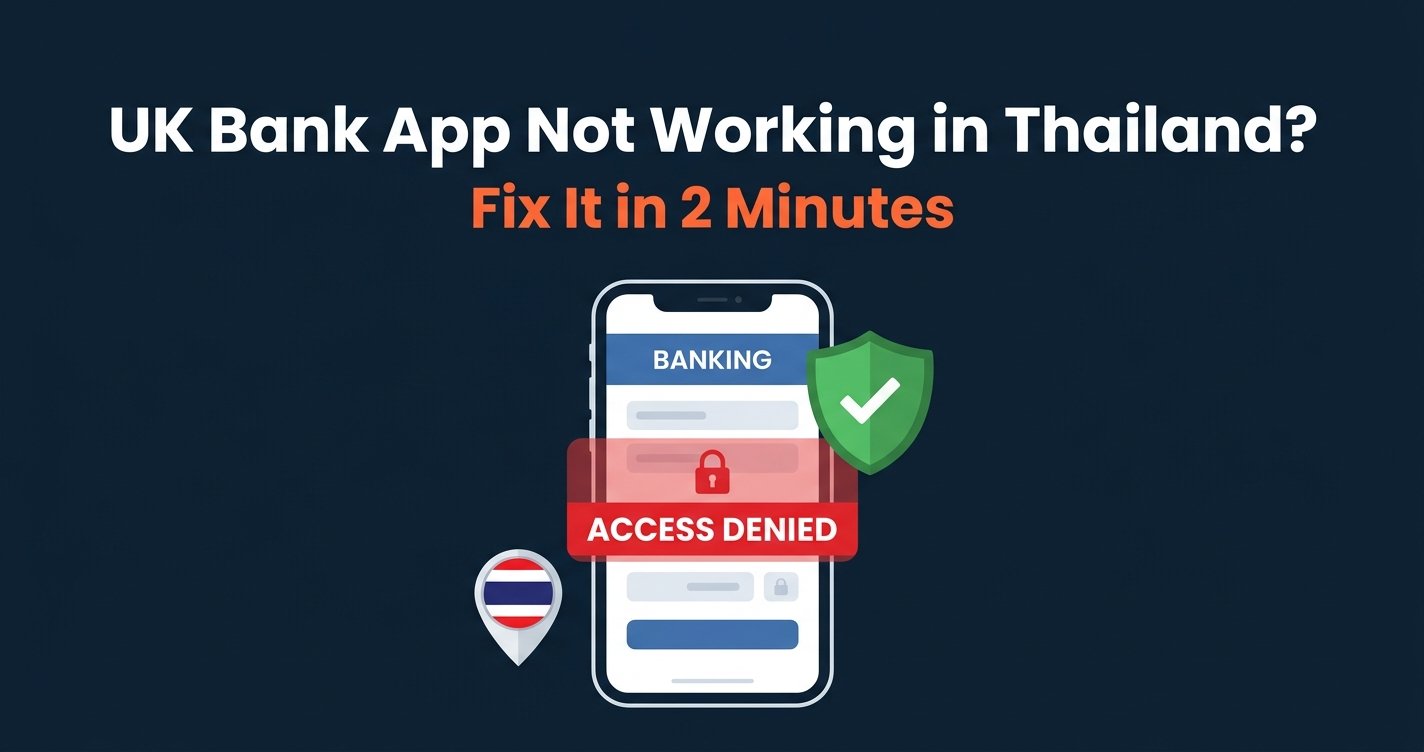
Is your UK bank app not working in Thailand? You are not alone, and in most cases it can be fixed in a few minutes. British banks rarely block customers for being abroad. What usually happens is that fraud checks react to a login from a Thai IP address, then ask for codes sent to a UK number you cannot receive, or freeze a payment until you call.
The fix is to give your bank the login it expects: a stable UK connection every time. This guide shows the quick fix first, then what each major UK bank tends to do, and how British expats in Phuket, Pattaya, Bangkok and Chiang Mai keep their banking working.
Get Your UK Bank App Working in Thailand
NordVPN gives you a stable UK connection in seconds, so your bank sees the same kind of login it sees when you are at home.
30-day money-back guarantee · 78% off + 3 months free
Quick Fix: UK Bank App Not Working in Thailand
These steps solve most cases of a UK bank app not working in Thailand. They work for the app and for online banking in a browser.
- Choose a reliable VPN provider — we tested and recommend NordVPN or Surfshark, and install it on the phone you bank with.
- Connect to the same UK server every time — London is a good choice. Consistency matters more than anything else, because a different location every day looks like travel to your bank.
- Connect before you open the banking app, and stay connected until you log out.
- Keep your UK number able to receive texts, or switch security codes to the app if your bank allows it.
- Close the app fully and reopen it if it still shows an error, so it checks your connection again.
For the most reliable result, use a dedicated UK IP that only you use. NordVPN offers this as an add-on, and Surfshark has static UK servers. See our dedicated IP banking guide for the details.
Why Your UK Bank App Is Not Working in Thailand
A UK bank app not working in Thailand is almost never a fault with your phone. It is the bank’s security system reacting to an unusual login.
A Thai IP Address Triggers Fraud Checks
To your bank, a sudden login from Thailand looks like someone else may have your details. That can mean extra verification steps, a held payment or a temporary lock on the account.
Security Codes Go to Your UK Number
Many UK banks send one-time passcodes by text. If you swapped your UK SIM for a Thai one from AIS, True or dtac, those codes never arrive, and the login fails even when the bank accepts your location.
Shared or Changing Addresses
Free VPNs and crowded servers use addresses shared by thousands of people, which some banks distrust. Jumping between servers looks like many locations at once. A single paid UK server, used every time, avoids both problems.
Residency Rules
Some UK banks, especially digital banks, are designed for UK residents. A login pattern that looks permanently overseas can prompt account reviews, so keeping your access looking normal matters.
UK Bank App Not Working in Thailand: What Each Bank Tends to Do
This is what British expats in Thailand most often report from the major UK banks, and the fix that works best. Bank systems change, so treat it as a guide rather than official policy.
| Bank | What expats in Thailand report | Best fix |
|---|---|---|
| Barclays | Extra checks on logins and payments from Thailand | Same UK server or dedicated IP |
| Lloyds, Halifax, Bank of Scotland | Codes by text to a UK number | Keep UK number active, UK server |
| NatWest and RBS | Strict fraud checks, holds reported outside Europe | Dedicated UK IP |
| HSBC UK | More tolerant, but large transfers can trigger checks | UK server for transfers |
| Santander and Nationwide | Security checks on foreign logins | UK server, tell the bank you are away |
| Monzo and Starling | Work abroad, but accounts are for UK residents | UK server for app issues |
How Other British Expats in Thailand Solve It
Most British expats who found their UK bank app not working in Thailand settle on the same routine: a VPN on the phone, always connected to the same London server before opening the banking app. After that, the security prompts stop.
It takes about two minutes to set up and needs no technical knowledge. The same app also brings back BBC iPlayer and protects your banking on condo, hotel and café Wi-Fi.
Ready to Bank From Thailand Without Lockouts?
30-day money-back guarantee · 78% off + 3 months free
Best VPNs When Your UK Bank App Is Not Working in Thailand
We tested these three VPNs with UK banking apps from Thai connections. All three have UK servers, strong encryption and a kill switch that protects your session if the connection drops.
1. NordVPN — Best Overall for UK Banking
NordVPN is our top pick when your UK bank app is not working in Thailand. Its UK servers are stable, and the dedicated IP option gives you a UK address nobody else uses, which is the closest thing to logging in from home.
Threat Protection blocks fake banking pages, and the no-logs policy is independently audited. Read our NordVPN review.
2. Surfshark — Best Value With Static UK IPs
Surfshark includes static UK servers at no extra cost, so your bank sees the same address every time. One plan covers unlimited devices, which suits couples who both bank from Thailand.
Its no-logs policy is independently audited, and the apps are simple to use. Read our Surfshark review.
UK Banking on Every Device
Surfshark static UK IPs help your bank recognise you, with unlimited devices on one plan.
30-day money-back guarantee · 87% off + 3 months free
3. Proton VPN — Best for Privacy
Proton VPN is Swiss, open source and independently audited. It is a good choice if privacy is your top priority, and its flexible monthly plans suit people who spend part of the year in Thailand.
Sorting Out SMS Codes in Thailand
Missing text codes are the second most common reason for a UK bank app not working in Thailand. There are three simple ways around it.
Keep your UK SIM active. A cheap UK pay-as-you-go or SIM-only plan with roaming keeps your number alive for bank texts. Use a dual-SIM phone so your Thai SIM handles calls and data.
Use an eSIM for data. A travel eSIM such as Saily gives you Thai mobile data while your UK SIM stays in the phone for codes. See our best eSIM for Thailand guide.
Switch to app approval. Many banks now let you approve logins in the app itself. Set this up while you still have access, so you no longer depend on texts.
UK Bank App Not Working in Thailand: Tips by City
Phuket and Pattaya
These are home to some of the largest British communities in Thailand. Condo and hotel Wi-Fi is often shared and unsecured, and it is where many people first find their UK bank app not working in Thailand, so keep the VPN on whenever you bank.
Bangkok
Bangkok fibre and 5G are fast, so a London server fixes a UK bank app not working in Thailand without slowing anything down. Co-working spaces are convenient, but always bank through the VPN on shared networks.
Chiang Mai and Hua Hin
Many British retirees live here. If you receive a UK pension into a UK account, see our guide to retiring to Thailand with a VPN for keeping pension and banking logins smooth.
What to Do If Your Bank Has Already Locked You Out
If your account is already blocked, call your bank’s international number, printed on the back of your card or listed on its website. Confirm your identity and explain that you live in, or are visiting, Thailand.
Once access is restored, connect to the same UK server for every login so the block does not happen again. For sending money between the UK and Thailand at a fair rate, many expats also use Wise.
Is Using a VPN for Banking Legal in Thailand?
Yes. VPN use for personal privacy is legal in Thailand, and using one to reach your own bank account is common among expats. See our guide to whether VPNs are legal in Thailand for the full picture.
UK guidance on living in Thailand covers banking and money matters for British residents. The Financial Conduct Authority also has consumer guidance on keeping your accounts safe.
Choose Your VPN for UK Banking in Thailand
UK Bank App Not Working in Thailand? Compare the Fixes
NordVPN
Best Overall
Dedicated UK IP option
30-day money-back guarantee · 78% off + 3 months free
Surfshark
Best Value
Static UK IPs, unlimited devices
30-day money-back guarantee · 87% off + 3 months free
Proton VPN
Best Privacy
Flexible monthly plans
30-day money-back guarantee · 75% off
Why is my UK bank app not working in Thailand?
Usually because the bank’s fraud system reacts to a login from a Thai IP address, or because security codes go to a UK number you cannot receive. A stable UK connection and an active UK number fix most cases.
Can I use my UK banking app in Thailand?
Yes. UK banking apps work in Thailand, but they may ask for extra checks. Connecting to the same UK server every time makes your logins look like they do at home.
Will my UK bank close my account if I live in Thailand?
Some banks review accounts when customers move abroad permanently, especially digital banks built for UK residents. Check your bank’s terms and keep your contact details up to date.
How do I get bank codes in Thailand without my UK SIM?
Keep your UK SIM active in a dual-SIM phone, use an eSIM for Thai data, or switch your bank to in-app approval so you no longer need text codes.
What is the best VPN for UK banking in Thailand?
NordVPN, because its dedicated UK IP option gives your bank the same address every time. Surfshark offers static UK IPs at a lower price, and Proton VPN suits privacy-focused users.
Related Guides
- British Expat in Thailand: VPN Guide
- BBC iPlayer in Thailand
- Which Banks Block VPN?
- Best VPN for Expats in Thailand
- Retiring to Thailand VPN Guide
Expat Essentials
Affiliate Disclosure: This article contains affiliate links. If you purchase through our links, we may earn a commission at no additional cost to you.