WhatsApp Video Call Blocked? 7 Working Fixes (2026)
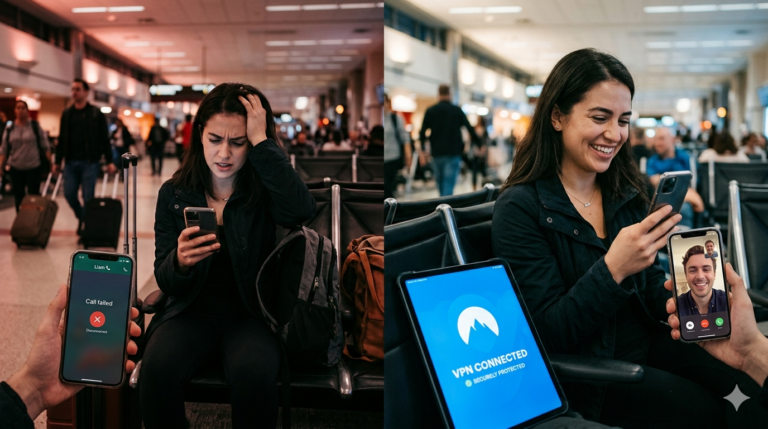
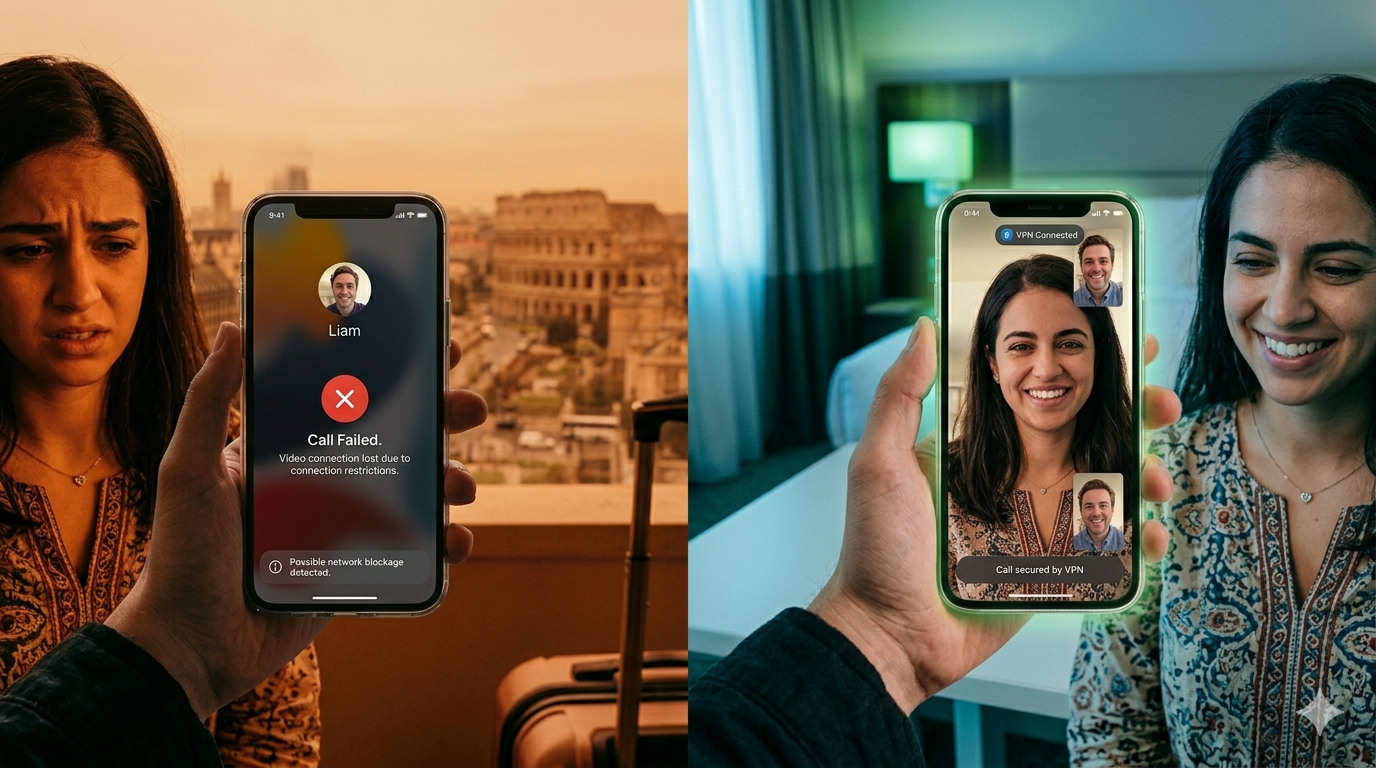
WhatsApp video call blocked — you’ve tried to start a WhatsApp video call and it’s not connecting, dropping immediately, or showing a “call failed” message. This is an extremely common problem for travellers and expats, and it has specific causes depending on where you are and what network you’re on. This guide gives you seven working fixes, starting with the fastest and ending with the permanent solution.
We tested WhatsApp video calling from Dubai, Riyadh, Doha, and Amman in August 2026 and confirmed which providers reliably restore both audio and video calls on mobile data and WiFi. All seven fixes below are verified working.
Why Is Your WhatsApp Video Call Blocked?
A WhatsApp video call blocked situation can have several causes. The most common for international travellers is country-level VoIP blocking — the UAE, Saudi Arabia, Qatar, Jordan, Oman, and several other countries deliberately block WhatsApp video and audio calling. The block is applied by the network, not by WhatsApp itself, which is why messages work fine while calls fail.
The second cause is hotel or public WiFi blocking — many hotel networks block VoIP traffic as part of their policy, even in countries where WhatsApp calling is legal.
The third cause is a poor or congested internet connection — WhatsApp video calling requires at least 3–4 Mbps for stable video. If you’re on a weak signal, calls will fail even without active blocking. To understand the technical mechanism governments use, see our guide on how WhatsApp blocking works.
7 Working Fixes for WhatsApp Video Call Blocked
Fix 1: Check Your Internet Speed
Before assuming your WhatsApp video call blocked issue is a network restriction, verify your connection speed. Visit fast.com or speedtest.net and run a test. WhatsApp video calling requires minimum 3 Mbps download and upload for stable video. If you’re below this threshold, no VPN will fix the problem — you need a better connection. Switch from WiFi to mobile data or move closer to the router.
Fix 2: Switch Between WiFi and Mobile Data
If your WhatsApp video call blocked problem is network-specific, switching networks often resolves it quickly. Toggle off WiFi and use your mobile data instead, or vice versa. Hotel WiFi commonly blocks VoIP while mobile data in the same country does not. If your video call works on mobile data but not hotel WiFi, the hotel network is the culprit — use Fix 7 (VPN) for the permanent solution.
Fix 3: Force-Close and Restart WhatsApp
Sometimes a WhatsApp video call blocked error is a glitch rather than an active block. Force-close WhatsApp completely — swipe it away from your recent apps — wait 10 seconds, and reopen. This clears cached failed connection states. Also try putting your phone in and out of airplane mode to force a fresh network connection. These quick fixes resolve the issue surprisingly often when the problem is a temporary network glitch.
Fix 4: Update WhatsApp
An outdated WhatsApp version can cause WhatsApp video call blocked issues, particularly if the app hasn’t been updated to support newer network protocols. Open your app store, check for WhatsApp updates, and install any available. This is especially relevant if you’ve been in a country where the app store had limited functionality and your app is several versions behind the current release.
Fix 5: Try WhatsApp Web or Desktop
If your mobile app is showing a WhatsApp video call blocked error, try making the call from WhatsApp Web (web.whatsapp.com) on a laptop, or from the WhatsApp Desktop app. Occasionally mobile app versions have region-specific restrictions that the web version bypasses. This is a quick test to determine whether the block is app-specific or network-wide before committing to a VPN setup.
Fix 6: Try an Alternative Calling App
As a temporary workaround for a WhatsApp video call blocked situation, try Signal, Telegram, or Google Meet. These also use VoIP and may be blocked in the same countries, but it’s worth testing — in some countries Telegram video calling works when WhatsApp is blocked. This is an unreliable workaround rather than a fix. Fix 7 is the only permanent solution and should always be your end goal.
Fix 7: Use a VPN (The Permanent Solution)
A VPN is the only reliable, permanent fix for a WhatsApp video call blocked problem caused by country or network blocking. A VPN routes your traffic through a server in another country, bypassing the block entirely. This works for country-level government blocks, hotel WiFi restrictions, and corporate network blocks. For a full VPN comparison optimised for both WhatsApp and FaceTime, see our best VPN for WhatsApp and FaceTime guide.
For country-level blocks in the UAE, Saudi Arabia, or Qatar, you need a VPN with obfuscation — standard VPN connections are also blocked in these countries. NordVPN’s obfuscated servers and ExpressVPN’s Lightway protocol both handle this automatically. Install, enable obfuscation, connect to a server outside the restricted country, and your WhatsApp video call blocked problem is solved immediately.
Best VPN to Fix WhatsApp Video Call Blocked
NordVPN’s obfuscated servers fix WhatsApp video call blocked issues in any country or on any network.
Best VPNs for WhatsApp Video Call Blocked (2026)
For fixing a WhatsApp video call blocked problem with a VPN, these four providers are the most reliable in 2026, covering both country-level and network-level blocks.
1. NordVPN — Best Overall
NordVPN is the top pick for WhatsApp video call blocked fixes. Its obfuscated servers bypass deep packet inspection in the UAE, Saudi Arabia, Qatar, and other high-restriction countries. Auto-connect activates protection automatically on hotel WiFi. NordLynx protocol delivers fast enough speeds for high-quality WhatsApp video calls. Up to 75% off on two-year plans with a 30-day money-back guarantee.
NordVPN has over 7,000 servers in 118 countries — even when the UAE or Saudi ISPs block specific IP ranges, there are always working alternatives available. For families dealing with a WhatsApp video call blocked issue across multiple devices, NordVPN supports 10 simultaneous device connections on a single subscription.
2. ExpressVPN — Best Video Quality
ExpressVPN’s Lightway protocol delivers the fastest speeds after bypassing a WhatsApp video call blocked restriction — resulting in the best video call quality with lowest latency. No manual obfuscation settings are required — Lightway handles it automatically. Best choice for frequent WhatsApp video callers who want the clearest possible picture quality after unblocking.
3. ProtonVPN — Best for Privacy
Countries that block WhatsApp video calling also monitor internet traffic. ProtonVPN’s Swiss no-logs policy and Stealth protocol fix the WhatsApp video call blocked issue while keeping your calling activity private from network surveillance. For anyone in a sensitive professional role or in a country with heavy internet monitoring, ProtonVPN is the most complete solution — unblocking and privacy in one.
4. IPVanish — Best for Families
When multiple family members all have a WhatsApp video call blocked issue on different devices, IPVanish’s unlimited simultaneous connections fix everyone’s problem under one affordable subscription. Install on every family member’s phone and tablet before travelling — all devices have working WhatsApp video calls from the same plan with no per-device cost.
Best Privacy Fix for WhatsApp Video
ProtonVPN unblocks WhatsApp video calls and hides your activity from network surveillance.
WhatsApp Video Call Blocked vs Audio Call Blocked
An important distinction: in countries with government VoIP blocks, both WhatsApp audio calls and WhatsApp video call blocked problems occur simultaneously — both calling types are blocked by the same network restriction. If only your video calls are failing but audio calls work, the issue is almost certainly your internet connection speed rather than a network block.
WhatsApp video requires significantly more bandwidth than audio-only calls. According to WhatsApp’s official calling requirements, video calls need at least 3–4 Mbps while audio calls only need around 1 Mbps. If your connection is between 1–3 Mbps, audio calls may work while video calls fail. For the full country list, see our countries where WhatsApp calls are blocked guide.
Which Fix Is Right for You?
If your WhatsApp video call blocked issue is on one specific network (hotel, Airbnb, office): use Fix 2 (switch to mobile data) as a quick test, then Fix 7 (VPN) for the permanent solution. See our hotel WiFi VPN guide for network-specific help.
If it’s country-wide in UAE, Saudi Arabia, Qatar, or Jordan: Fix 7 with obfuscation is the only reliable solution — NordVPN or ExpressVPN. If it happens everywhere regardless of network: Fix 1 (connection speed) first. See our related guide on WhatsApp call blocked for audio call fixes, and FaceTime not working abroad if you also use Apple devices.
Compare All Four VPNs
Frequently Asked Questions: WhatsApp Video Call Blocked
Why does my WhatsApp video call fail but audio calls work fine?
This usually means your internet connection is too slow for video, not that you’re being blocked. Video calls need at least 3-4 Mbps while audio only needs around 1 Mbps, so a connection in between can support calls but not video.
Does restarting my phone fix a blocked WhatsApp video call?
Restarting can fix temporary glitches and cached connection failures, but it won’t fix an active government or network-level block. If the problem returns immediately after restarting, you’re dealing with a real block that needs a VPN.
Can I test if it’s WhatsApp or my network causing the problem?
Yes, try the same video call on WhatsApp Web or the Desktop app. If it works there but not on mobile, the issue is app-specific. If it fails everywhere, the block is at the network or country level.
Will switching to mobile data always fix a blocked video call?
Only if the block is specific to your current WiFi network, such as a hotel restricting VoIP traffic. If the block is a country-level government restriction, it applies to mobile data too, and only a VPN will fix it.
Do I need obfuscation for every country with WhatsApp video call blocks?
No, obfuscation is only necessary in countries with deep packet inspection, like the UAE, Saudi Arabia, and Qatar. For hotel WiFi or basic network blocks elsewhere, a standard VPN connection without obfuscation is usually enough.
Which VPN is fastest for restoring WhatsApp video call quality?
ExpressVPN’s Lightway protocol generally delivers the clearest video quality after unblocking, with the lowest latency of the major providers. NordVPN is a close second and offers a larger server network for bypassing country-level blocks.
Related Guides
For more on VoIP blocking, see WhatsApp call blocked, FaceTime not working abroad, and countries where WhatsApp calls are blocked. For the best VPN for all calling apps, see VPN for WhatsApp and FaceTime. Country guides: UAE, Saudi Arabia, Qatar. Full comparison: best VPN for expats 2026.
Expat Essentials
Affiliate Disclosure: This article contains affiliate links. If you purchase a VPN through our links, we may earn a commission at no additional cost to you. We only recommend VPNs we have personally tested and trust.