How to Watch BBC iPlayer Abroad (2026): Works in 5 Minutes
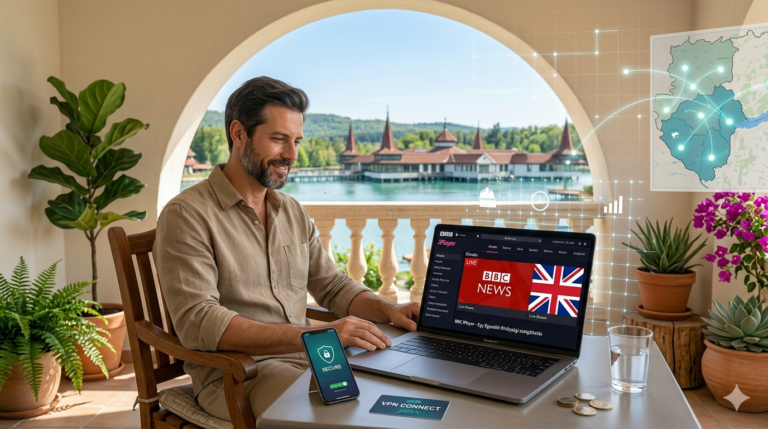
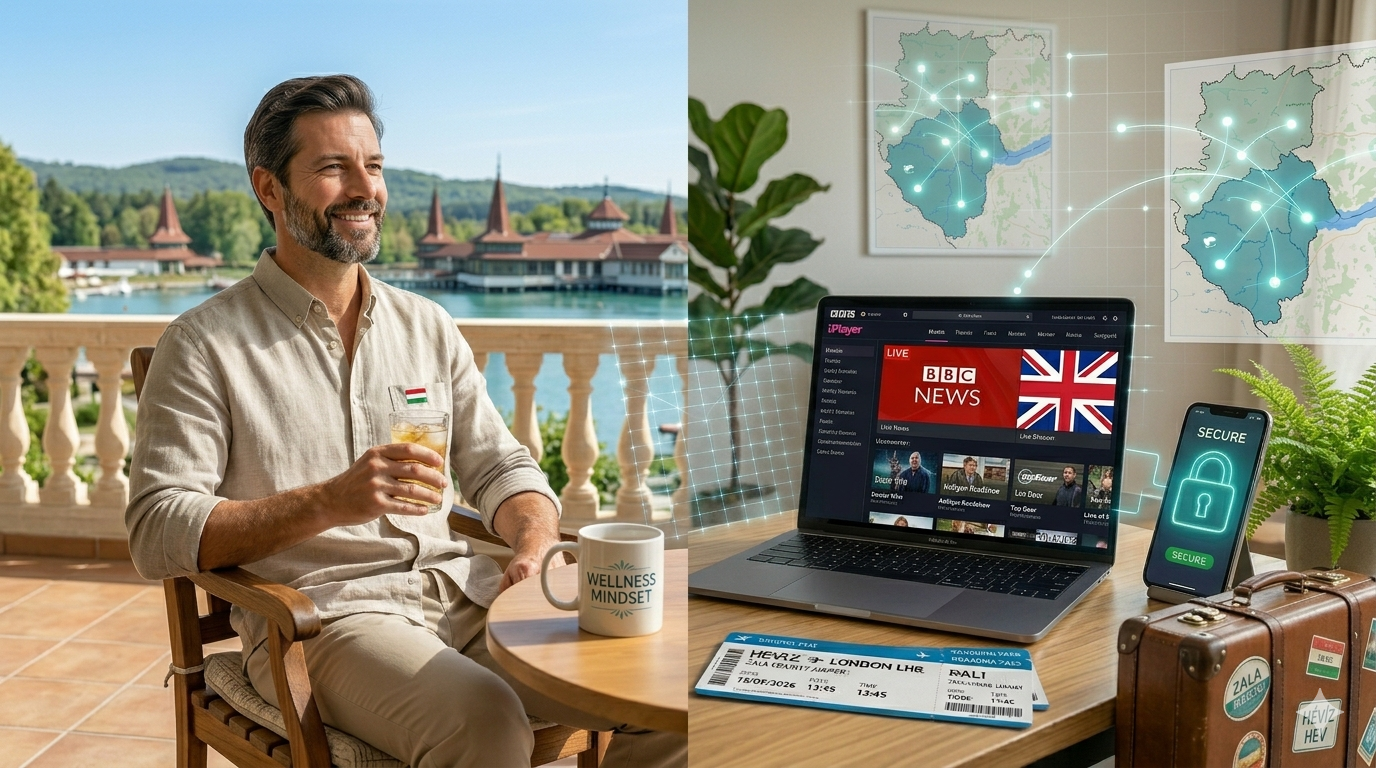
Yes, you can watch BBC iPlayer abroad, and it takes about two minutes. Connect a VPN to a UK server, open iPlayer and sign in, and live BBC One, the box sets and the full catalogue play as they do at home, from Spain, Dubai, Thailand or anywhere else.
Watch BBC iPlayer Abroad Today
NordVPN gives you a UK IP address in seconds, with one of the largest UK server networks, so BBC iPlayer works from anywhere.
Black Friday %Try NordVPN Risk-Free →
30-day money-back guarantee · 78% off + 3 months free
This guide shows how to watch BBC iPlayer abroad step by step, which VPNs still work with iPlayer in 2026, and how to fix the not available in your location message for good.
Last checked: November 2026.
How to Watch BBC iPlayer Abroad: Step by Step
- Choose a VPN with a large UK server network and built-in leak protection, such as NordVPN — this matters more for iPlayer specifically than for most other streaming services
- Install and connect to a UK server before opening iPlayer — London servers are typically the most reliable starting point
- Clear cookies for bbc.co.uk if you have ever accessed iPlayer without a VPN on this device — stale location cookies are a common, easily missed cause of errors even with a working VPN connection
- Open BBC iPlayer and sign in — a free BBC account with any valid UK postcode is required, regardless of where you actually live
- If you get a “not available in your region” error, disconnect, switch to a different UK server, and try again — that specific IP has likely been flagged, not your whole VPN provider
Where are you watching BBC iPlayer from?
Spain · Canary Islands · Portugal · France · Ireland · Greece · Cyprus · Malta · Dubai · Thailand · Australia
NordVPN — Large UK Server Network
A large UK server network keeps BBC iPlayer working reliably, with a fresh UK server always one tap away.
Black Friday %Try NordVPN Risk-Free →
30-day money-back guarantee · 78% off + 3 months free
Watching BBC iPlayer From Your Country: Local Times and Guides
The setup is the same everywhere, but two things change with the country you live in: what time live BBC programmes reach you, and the local details covered in each country guide. Live BBC One drama, the news and live sport follow UK time, so this is when the 9pm slot reaches you.
| Where you live | 9pm on BBC One is | Country guide |
|---|---|---|
| Ireland, Portugal, Canary Islands | 9pm, the same as the UK | Ireland · Portugal · Canary Islands |
| Mainland Spain, France, Malta | 10pm | Spain · France · Malta |
| Greece, Cyprus | 11pm | Greece · Cyprus |
| Dubai and the UAE | 1am in the UK winter, midnight in the UK summer | Dubai |
| Thailand | 4am in the UK winter, 3am in the UK summer | Thailand |
| Sydney and Melbourne | 8am the next day in the UK winter, 6am the next day in the UK summer | Australia |
If live programmes land in the middle of your night, watch them on demand instead. Most BBC programmes stay on iPlayer for weeks after they air, and the same UK connection works for catch-up as it does for live TV. Want the same setup on a television? See our BBC iPlayer on a smart TV abroad guide.
Why We Recommend VPNs With Large UK Networks
BBC iPlayer only plays inside the UK, because the licence fee and the BBC’s programme rights are agreed for UK viewers. It checks your IP address before anything loads, and it regularly blocks server addresses that it recognises as VPNs.
That is why the provider matters. Free VPNs and proxies use a small number of well-known addresses and are blocked almost straight away. NordVPN and Surfshark run large, regularly refreshed UK networks with built-in DNS and IPv6 leak protection, so iPlayer sees an ordinary UK connection. If one server is ever flagged, the next one in the app works, and you are back to watching in seconds.
Do You Need a TV Licence to Watch BBC iPlayer Abroad?
The BBC says a TV licence is needed to watch or download programmes on BBC iPlayer. If you kept your UK licence when you moved abroad, you are covered. TV Licensing explains when a licence is needed and how to buy one online.
Best VPN to Watch BBC iPlayer Abroad
NordVPN’s large UK server network is the most practical advantage here — given how often the BBC flags individual IPs, having many alternatives to switch to matters more than any single feature. SmartPlay automates picking a working server rather than requiring manual trial and error. Read our NordVPN review.
Surfshark is the best value pick for BBC iPlayer abroad when the whole household watches. One plan covers unlimited devices, UK servers in London, Manchester and Glasgow give you plenty of alternatives when the BBC flags an address, and Smart DNS brings iPlayer to smart TVs. Read our Surfshark review.
ProtonVPN Plus is the right call if you want UK access without sacrificing the privacy guarantees of Swiss jurisdiction and an audited no-logs policy. The free tier does not support streaming — Plus is required for iPlayer specifically. Read our Proton VPN review.
ExpressVPN’s Lightway protocol and dedicated UK streaming infrastructure are worth prioritizing if you have had inconsistent results elsewhere — it is specifically built with leak protection that matters more for iPlayer’s layered detection than for simpler geo-blocks. Read our ExpressVPN review.
IPVanish makes sense for households where several people want to stream simultaneously on different devices, since unlimited connections cover everyone on one subscription.
BBC iPlayer Abroad on Every Screen
Surfshark covers unlimited devices with UK servers in several cities.
Black Friday %Try Surfshark Risk-Free →
30-day money-back guarantee · 3 months free
Device-by-Device Setup
iPhone and Android: install your VPN app, connect to a UK server, then open the BBC iPlayer app or visit bbc.co.uk/iplayer in your browser. If the app is not available in your local app store, the browser version works identically with the VPN active.
Laptop and desktop: the simplest setup — connect your VPN’s desktop app to a UK server, then visit bbc.co.uk/iplayer in any browser. Clear cookies first if you have used iPlayer on this device before without a VPN.
Smart TV (Samsung, LG, Sony): Android TV models can install VPN apps directly. Other Smart TVs typically need the provider’s Smart DNS feature configured in the TV’s network settings instead.
Fire Stick and Fire TV: all major providers have native Fire Stick apps available through the Amazon Appstore — install, connect to a UK server, open iPlayer.
Apple TV: does not support VPN apps natively. Use your provider’s Smart DNS feature configured in the device’s network settings, or install the VPN on your home router to cover Apple TV and every other device on the network automatically.
Troubleshooting
“BBC iPlayer is not available in your location”: the server IP you are on has likely been flagged. Disconnect, switch to a different UK server, and try again — if this keeps happening on the same provider, the IP pool may need more time to refresh, or it is worth trying a different server cluster.
NordVPN SmartPlay works on Smart TVs — no app, works on Smart TVs and Apple TV →
Content loads but will not play, or playback stops immediately: often a stale-cookie issue rather than a VPN problem. Clear all cookies and site data for bbc.co.uk, confirm your VPN is still connected to a UK server, then reload.
Buffering or poor quality: switch to a UK server physically closer to you (London is usually fastest for most of Europe and parts of the Middle East), and make sure you are on a modern protocol — WireGuard-based options (NordLynx, Lightway) consistently outperform older OpenVPN for streaming.
Choose Your VPN for BBC iPlayer
Compare VPNs for BBC iPlayer
NordVPN
Largest UK server pool
SmartPlay automation
30-day money-back guarantee · 78% off + 3 months free
Surfshark
Best value
Unlimited devices + Smart DNS
30-day money-back guarantee · 3 months free
ProtonVPN
Swiss jurisdiction
Plus tier required
30-day money-back guarantee · 75% off
All five offer 30-day money-back guarantees.
Related Guides
- BBC iPlayer in Greece
- BBC iPlayer in Malta
- BBC iPlayer in Australia
- BBC iPlayer in the Canary Islands
- Best VPN for UK TV in Spain
- BBC iPlayer in France
- BBC iPlayer in Ireland
- BBC iPlayer in Cyprus
- BBC iPlayer in Dubai
- BBC iPlayer in Portugal
- Best VPN for Streaming Abroad
- Best VPN for Netflix
- How to Watch Mitele Abroad
- How to Watch ARD Mediathek Abroad
- Best VPN for UK Expats
- BBC iPlayer in Thailand
- BBC iPlayer in the Netherlands
- How to Watch RTÉ Abroad
- Best VPN for Expats in Dubai
Watching on a Smart TV, Apple TV, or Roku?
NordVPN SmartPlay works on devices that cannot run a VPN app — users report it works well for BBC iPlayer and streaming abroad.
Black Friday %Try NordVPN Risk-Free →
30-day money-back guarantee · 78% off + 3 months free
Related UK Streaming Guides
- BBC Sounds Abroad
- ITVX Abroad
- ITVX on Smart TV Abroad
- Sky Sports Abroad
- Sky Sports F1 Abroad
- VPN for BT Sport Abroad
- Now TV Blocked Abroad
Frequently Asked Questions
Can I watch BBC iPlayer abroad with a VPN?
Yes. NordVPN and ExpressVPN both reliably unblock BBC iPlayer from abroad after the BBC’s latest detection updates. Connect to a UK server, clear cookies for bbc.co.uk, and iPlayer works as if you are in Britain.
Which VPN is best for BBC iPlayer in 2026?
NordVPN is the best VPN for BBC iPlayer in 2026. Its a large UK server network and SmartPlay technology provide the most consistently reliable access, even as the BBC flags individual server IPs.
Do I need a TV licence to watch BBC iPlayer abroad?
The BBC states a TV licence is required regardless of location. If you held a valid licence when you left the UK, using iPlayer abroad is consistent with that. TV Licensing has no jurisdiction outside the UK and no cases of overseas enforcement exist.
Why does BBC iPlayer keep detecting my VPN?
The BBC regularly updates its VPN blocklist. If one server gets flagged, disconnect and switch to a different UK server within the same VPN app. Providers with large UK server pools like NordVPN give you more alternatives.
Can I watch BBC iPlayer on a Smart TV abroad?
Yes. On Android TV and Fire Stick, install the VPN app directly. On Samsung, LG, and Apple TV, configure your provider’s Smart DNS in the TV network settings, or install the VPN on your router to cover all devices.
Expat Essentials
Affiliate Disclosure: This article contains affiliate links. If you purchase a VPN through our links, we may earn a commission at no additional cost to you. This article provides general information, not legal advice.