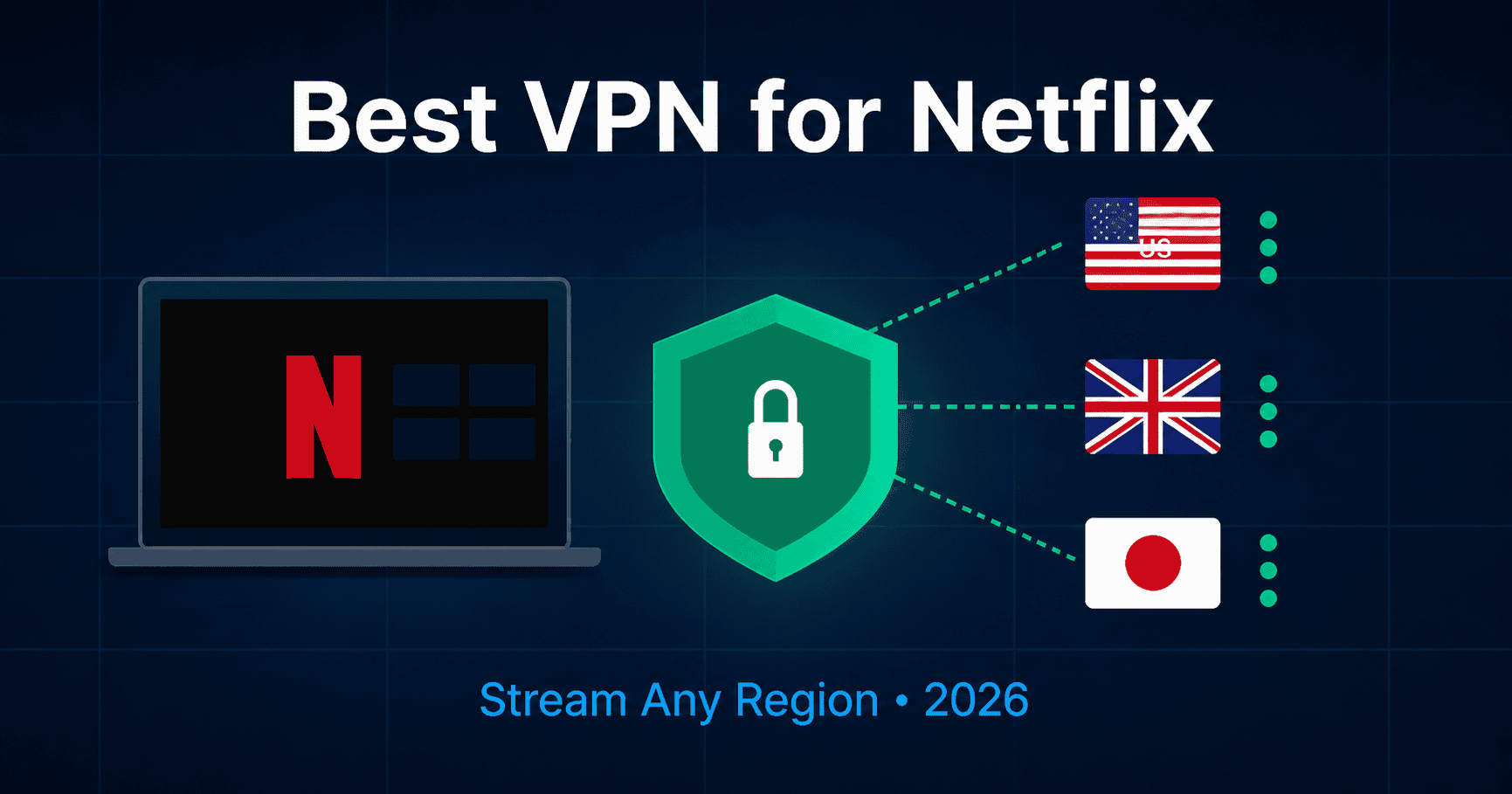
Best VPN for Netflix in 2026: Stream Any Region Smoothly
Netflix’s VPN detection isn’t a simple on/off switch. It maintains a list of known VPN and proxy IP addresses and flags connections based on how those IPs behave — shared datacenter ranges that hundreds of subscribers hit simultaneously get noticed fast, while quieter, less-abused IPs survive longer. Understanding this is more useful than any list of “best” VPNs, because it explains why the same provider can work perfectly one week and throw a proxy error the next.
We tested Netflix US, UK, Japanese, and Canadian libraries from Spain, the UAE, Thailand, and Australia in August 2026 and confirmed all four recommended providers deliver reliable, proxy-error-free access across every region tested.
Missing your home Netflix library?
Unlock Your Netflix Library Today
NordVPN unlocks US, UK and other Netflix libraries from anywhere. No tech skills needed.
NordVPN: 69% off, from $3.49/month
Get Your Lowest NordVPN Price Today →✓ Trusted by 14M+ users · ✓ 30-day money-back guarantee
Why the Proxy Error Actually Happens
The message — “You seem to be using an unblocker or proxy” — means Netflix’s systems flagged your connection, not that it identified you personally. A handful of underlying causes explain most cases:
Shared IP overuse. A VPN provider might route thousands of subscribers through the same small pool of server IPs. When Netflix sees what looks like hundreds of different households all streaming from one address, it flags that address. This is the single biggest reason any VPN’s Netflix access degrades over time — it’s a function of how many other people are using the same exit IP as you, which is mostly outside your control.
DNS or IPv6 leaks. If part of your traffic bypasses the VPN tunnel — a common issue with IPv6 specifically — Netflix can see your real location even while your main connection shows a different country, creating a mismatch that triggers the error.
Stale cookies and cache. Netflix sometimes stores location data client-side. Switching VPN servers without clearing this can leave old location data conflicting with your new IP.
Constant region-hopping. Switching countries repeatedly in a short window looks more suspicious to Netflix’s systems than staying on one stable connection, even if each individual switch is legitimate.
What Actually Fixes It, In Order
- Disconnect and reconnect to a different server in the same country — fixes the large majority of cases, since it’s often just that one specific IP got flagged, not the whole provider
- Clear your browser’s cookies and cache for netflix.com, or fully close and reopen the Netflix app on mobile
- Check for DNS or IPv6 leaks — if your VPN doesn’t handle IPv6 properly, disabling it at the OS level (Network settings on Mac, Adapter settings on Windows) can resolve a stubborn mismatch
- Pick one region and stay on it — avoid hopping between countries in the same session, since a stable connection looks far less suspicious than frequent switching
- If nothing works on that provider, the IP pool itself may be burned — this is a sign to try a different server cluster or, if it’s chronic, a different VPN
Why Server Pool Size Matters More Than Any Single Feature
Given that Netflix flags individual IPs rather than entire providers, the practical implication is that a VPN with a large, frequently refreshed pool of server IPs in your target country gives you more working alternatives when (not if) a specific IP eventually gets flagged. This matters more day-to-day than marketing claims about “unblocking 15 regions,” since any single server can stop working at any time regardless of which provider you’re on.
NordVPN’s large server network across many countries gives you somewhere to go when a specific server gets flagged, and its SmartPlay feature automates picking a working option rather than making you manually cycle through servers yourself.
ExpressVPN’s Lightway protocol is worth prioritizing specifically if buffering, not proxy errors, is your main problem — it’s built for low overhead, which matters most on 4K content or slower base connections.
ProtonVPN Plus is the right call if you want Netflix access without giving up the privacy guarantees that come with Swiss jurisdiction and an independently audited no-logs policy — the free tier doesn’t support streaming, so Plus is required for this use case specifically.
IPVanish makes sense if multiple people in your household each want to stream different regional libraries simultaneously without juggling separate accounts — unlimited device connections on one subscription covers that without extra cost.
Ready to watch your home Netflix library?
Setup takes 2 minutes and you need no tech skills. NordVPN is 69% off today, from $3.49/month.
Yes, I Want My Netflix Now →✓ Works on all your devices · ✓ 30-day money-back guarantee
Compared with NordVPN at $3.49/month. Pay $45.36 for 27 months instead of $94.23. 81% off, 30-day money-back guarantee, pay with card, PayPal or crypto.
Does This Violate Netflix’s Terms of Service?
Technically yes — Netflix’s terms restrict accessing content outside your assigned region. In practice, Netflix has never banned or penalized an individual subscriber’s account for VPN use; the only consequence has consistently been the proxy error itself, which gets resolved by switching servers rather than any account-level action. Netflix continues to operate in markets where VPN use for this purpose is common and has shown no indication of pursuing individual users.
Smart TVs and Streaming Sticks: The Practical Workaround
Many Smart TVs and streaming devices don’t support VPN apps natively. The two practical options are installing your VPN directly on your home router — which protects every device on the network automatically, including ones that can’t run VPN apps themselves — or using your provider’s Smart DNS feature, which routes only the relevant streaming traffic without the overhead of a full VPN tunnel. NordVPN SmartPlay is a standalone service built specifically for this — 440+ UK servers, built-in SmartPlay for Smart TVs. NordVPN’s SmartPlay and ExpressVPN’s MediaStreamer also offer this, and it’s generally the more reliable option for Apple TV, older Smart TVs, and most streaming sticks.
Choose Your VPN for Netflix
Choose Your VPN for Netflix
NordVPN
Fastest for streaming and trusted by 14M+ users. 69% off, from $3.49/month.
Unlock Your Netflix Library Now →Proton VPN
No long commitment. Pay monthly from $9.99 and cancel anytime.
Get Proton VPN Today →CometVPN
Just $1.89/month on the 2-year plan (81% off). Compared with NordVPN at $3.49/month. Pay $45.36 for 27 months instead of $94.23. 30-day money-back guarantee.
Get CometVPN Today →✓ Money-back guarantee on both · ✓ No tech skills needed
Related Guides
- Best VPN for Streaming Abroad
- How to Watch BBC iPlayer Abroad
- Best VPN for Expats in Dubai
- Best VPN for Expats in the UAE
Compare VPNs for Netflix
💰 CometVPN — Budget Pick
Just $1.89/month on the 2-year plan (81% off). 30-day money-back guarantee, pay with card, PayPal or crypto.
All four offer 30-day money-back guarantees.
Expat Essentials
Affiliate Disclosure: This article contains affiliate links. If you purchase a VPN through our links, we may earn a commission at no additional cost to you.