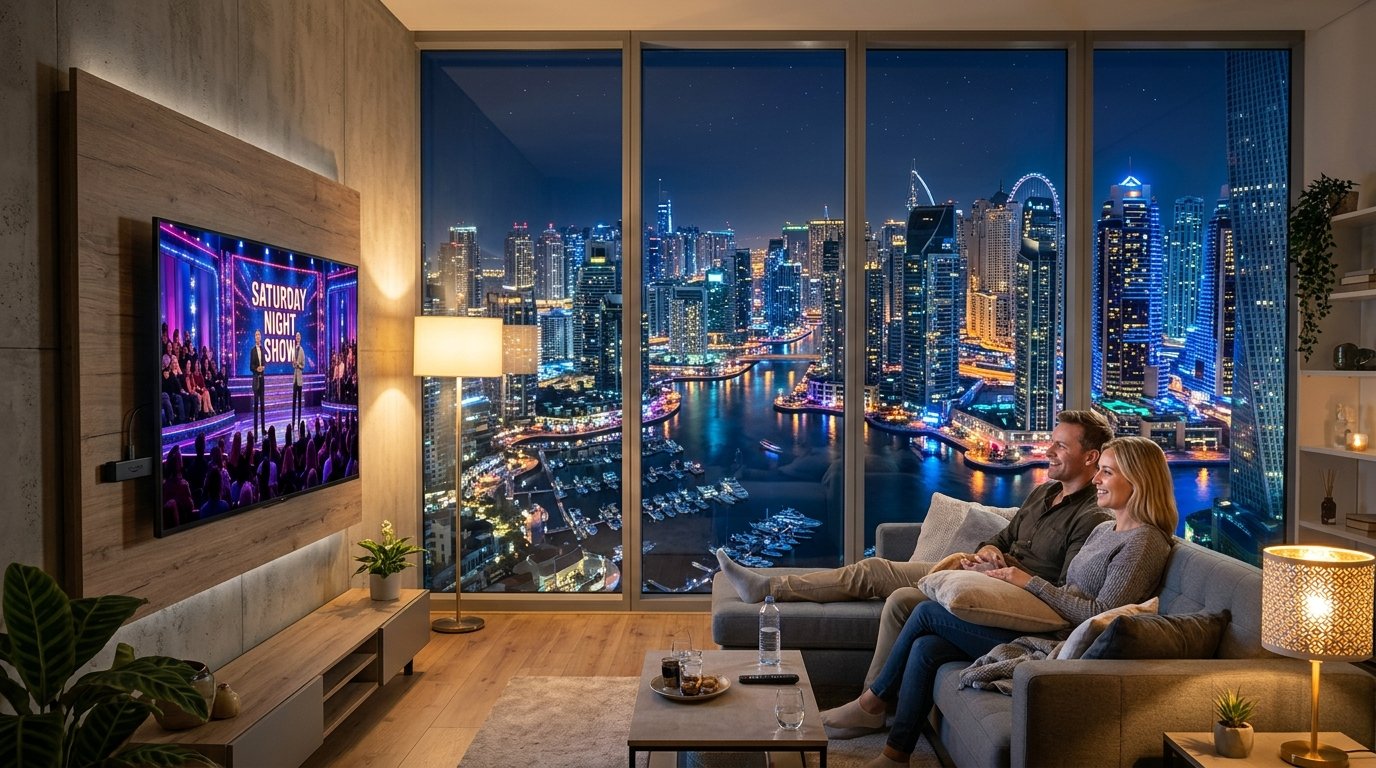
BBC iPlayer in Dubai: How to Watch UK TV in the UAE (2026)
Dubai has one of the largest British communities in the world, from Dubai Marina and JLT to Arabian Ranches and Jumeirah. Yet the first time you open the BBC app in your new apartment, you get the same message as everyone else: BBC iPlayer only works in the UK. Setting up BBC iPlayer in Dubai is one of the first things British residents sort out after the Emirates ID.
Yes, you can watch the BBC in Dubai, and it only takes a few minutes. This guide shows you the steps, the VPN that works best on du and e& (Etisalat) and how to get iPlayer onto your television.
How to Watch BBC iPlayer in Dubai: Step-by-Step
No technical knowledge is needed. A phone, tablet, laptop or streaming stick is enough.
Step 1: Choose a reliable VPN. We tested and recommend NordVPN or Surfshark. If you are still in the UK, do this before you fly, because some VPN websites are harder to reach on UAE networks.
Step 2: Install the app. Download it from the App Store, Google Play or the NordVPN or Surfshark website. It works on iPhone, Android, Windows, Mac, Fire TV Stick and Android TV.
Step 3: Connect to the United Kingdom. Open the app, search for United Kingdom and tap connect. NordVPN runs hundreds of servers across the UK, so a fast one is always free.
Step 4: Sign in to your BBC account. iPlayer asks for a BBC account registered with a UK postcode. If you had one before you moved to Dubai, sign in with the same details.
Step 5: Choose a programme and press play. Live BBC One, BBC Two, BBC News and the full catch-up library now load as normal. Clear your browser cookies first if you tried iPlayer from Dubai before.
That is everything you need for BBC iPlayer in Dubai. The same UK connection also opens ITVX, Channel 4, My5 and BBC Sounds.
Best VPN for BBC iPlayer in Dubai
In the UAE, a VPN needs to do two jobs. It must get past the BBC’s VPN checks, and it must stay stable on du and e& networks, which slow down or interrupt some VPN protocols.
NordVPN is our first choice. Its obfuscated servers and NordLynx protocol keep the connection stable on UAE networks, and its large UK network streams iPlayer in HD. One account covers up to 10 devices, so the whole family can watch at once.
NordVPN also helps with daily life in Dubai. It keeps your UK bank app and HMRC account working, protects you on mall, hotel and airport WiFi, and secures your connection when you work from a café. The 30-day money-back guarantee lets you try it without risk. Read our NordVPN review.
Watch BBC iPlayer in Dubai With NordVPN
Stable on du and e& networks, with fast UK servers for HD iPlayer.
30-day money-back guarantee · 78% off + 3 months free
Surfshark is the best value pick for families in Dubai, because one plan covers unlimited devices. Its Camouflage mode helps the connection blend in on restricted networks, and Smart DNS brings iPlayer to smart TVs that cannot run apps. Read our Surfshark review.
Proton VPN is a strong third option. The Swiss provider has a strict no-logs policy, a Stealth protocol for restricted networks and UK servers that work with iPlayer. It suits you if privacy matters most, or if you prefer a flexible monthly plan. Read our Proton VPN review.
BBC iPlayer in Dubai on Every Screen
Surfshark covers unlimited devices with UK servers and Camouflage mode.
30-day money-back guarantee · 87% off + 3 months free
BBC iPlayer on Your TV in Dubai
Most people want the BBC on the big screen. Here is how to set it up with the devices most British households in Dubai use.
Fire TV Stick or Android TV. Install the NordVPN app, connect to the UK and open the iPlayer app. This is the easiest setup, and many expats bring a Fire TV Stick from the UK.
Samsung and LG smart TVs. These televisions cannot run VPN apps. Cast from a phone or laptop with the VPN switched on, or connect a laptop with an HDMI cable.
du and e& TV boxes. Local TV boxes do not run VPN apps. Plug a Fire TV Stick into a spare HDMI port and switch to it with the remote when you want iPlayer.
You can also set up a VPN on a compatible router so every screen uses the UK connection. Our guide to BBC iPlayer on a smart TV abroad explains each method, so BBC iPlayer in Dubai works in every room.
What You Can Watch From Dubai
With a UK connection you get the complete iPlayer service. That includes every live BBC channel and thousands of hours of programmes on demand.
Sport. Match of the Day, Wimbledon, the Six Nations and major football tournaments are all on the BBC. The UAE is three to four hours ahead of the UK, so Saturday night football lands late, and catch-up is often easier.
Saturday night television. Strictly Come Dancing, Doctor Who and the big entertainment shows are available live and on catch-up. Many series stay on iPlayer for months.
News. BBC News and Newsnight keep you up to date with home. Watching BBC iPlayer in Dubai also means you see the same coverage as friends and family in Britain.
Children’s programmes. CBeebies and CBBC give children familiar, advert-free programmes. Families with children at British curriculum schools in Dubai often use them every day.
Streaming on Mobile Data and Around the UAE
A VPN goes with you, so iPlayer works in Abu Dhabi, Sharjah, Ras Al Khaimah and on business trips around the Gulf. The same account also works when you fly home to the UK.
On mobile data, lower the video quality in the iPlayer settings to save your allowance. du and e& 5G handle HD streaming well across Dubai.
Open the VPN before iPlayer every time you change network. Moving from home WiFi to mobile data can reset the connection, and iPlayer will then see your UAE address again.
BBC iPlayer in Dubai Not Working? Try These Fixes
If iPlayer still shows a location error after you connect, one of these steps almost always solves it.
Choose another UK server. The BBC blocks single addresses from time to time. Pick a different UK server or city and reload the page.
Switch on obfuscation. If the VPN keeps dropping on du or e&, turn on obfuscated servers in NordVPN, Camouflage in Surfshark or Stealth in Proton VPN.
Clear cookies and turn off location access. Your browser may remember your UAE location, and the iPlayer app can read your GPS position. Clear the cookies for bbc.co.uk and switch off location permission for the app.
Connect first, then open iPlayer. Start the VPN before the app, and close iPlayer completely if it was already open. Our guide to watching BBC iPlayer abroad covers rarer error codes.
Why BBC iPlayer Is Blocked in Dubai
BBC iPlayer only plays for viewers with a UK internet connection. Every UAE IP address is blocked, whichever provider you use.
The BBC is funded by UK licence fee payers, and many programmes and sports rights are licensed for the UK only. iPlayer checks the IP address of your connection before every programme to enforce this.
The BBC is also strict at spotting VPNs, and free or weak services are blocked quickly. Your choice of provider decides whether BBC iPlayer in Dubai works every evening or only now and then.
TV Licence and VPN Rules in the UAE
BBC iPlayer terms require a valid UK TV licence to watch or download BBC programmes. The rules are set by TV Licensing and depend on your situation, so check them if you are unsure.
VPNs are widely used by companies and residents in the UAE for work and security. UAE law penalises using a VPN to commit crimes or reach prohibited content, so use it only for legitimate purposes and check the current rules from the authorities.
A VPN also encrypts your connection on public WiFi, which protects your banking and email in malls, hotels and airports. Our guide on installing a VPN before UAE travel explains the setup in more detail.
Our Top VPN Picks
Best Overall
NordVPN
Fastest and most reliable for home TV, banking and calls in the UAE.
30-day money-back guarantee · 78% off + 3 months free
Best Value
Surfshark
Unlimited devices on one plan for the whole household.
30-day money-back guarantee · 87% off + 3 months free
Best Privacy
Proton VPN
Swiss jurisdiction, Stealth protocol and audited no-logs apps.
30-day money-back guarantee · 75% off
Frequently Asked Questions
Does BBC iPlayer work in Dubai?
Not directly, because iPlayer only works with a UK internet connection. With a VPN connected to a UK server, iPlayer works in Dubai just as it does in Britain. You also need to sign in with a BBC account.
Which VPN is best for BBC iPlayer in Dubai?
NordVPN is our first choice because it stays stable on du and e& networks and has a large UK network. Surfshark is the best value for families, and Proton VPN suits privacy-focused viewers. All three offer a 30-day money-back guarantee.
Can I watch Match of the Day in Dubai?
Yes. Connect to a UK server, sign in to iPlayer and watch live or on catch-up. Because Dubai is three to four hours ahead of the UK, many viewers watch the next morning.
How do I get BBC iPlayer in Dubai on my TV?
The easiest method is a Fire TV Stick with the NordVPN app. On Samsung and LG televisions, cast from a phone or laptop with the VPN switched on.
Does BBC iPlayer work in Abu Dhabi too?
Yes. The same VPN setup works anywhere in the UAE, including Abu Dhabi, Sharjah and Ras Al Khaimah. It also works when you travel to other Gulf countries.
Will the same VPN work for ITVX and Channel 4 in Dubai?
Yes. The same UK connection unlocks ITVX, Channel 4, My5 and BBC Sounds. One subscription covers all the main British channels.
Related Guides
- How to Watch BBC iPlayer Abroad
- British Expat in the UAE VPN Guide
- Best VPN for Expats in Dubai
- Best VPN for Expats in the UAE
- Install a VPN Before UAE Travel
- BBC iPlayer on a Smart TV Abroad
- ITVX Abroad
- Best VPN for UK Expats
Expat Essentials
Affiliate Disclosure: This article contains affiliate links. We may earn a commission at no additional cost to you.