ARD Mediathek Download: Complete Stress-Free Offline Guide (2026)
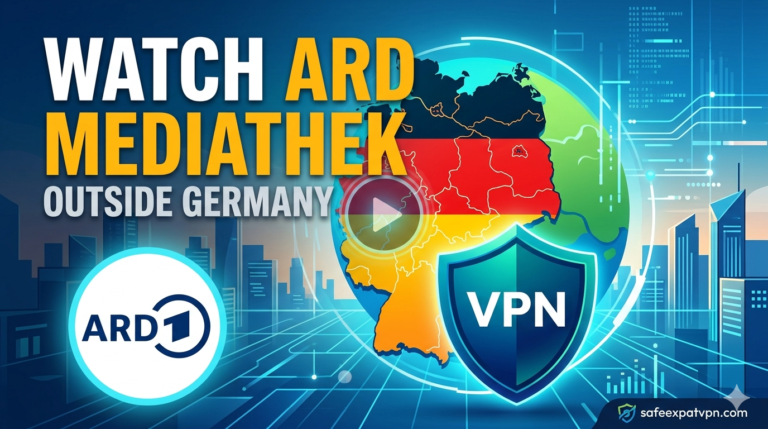
The ARD Mediathek is the on-demand platform of the German public broadcaster ARD, carrying news, documentaries, films and drama from Das Erste and the regional stations. Almost everyone searching for an ARD Mediathek download wants the same thing: to save a programme and watch it later without an internet connection. That option does exist, but it works very differently from what most people expect.
The official ARD Mediathek download feature lives inside the mobile app only. It saves the video inside the app rather than as a file you can move to another device. There is also a second problem that catches out nearly everyone reading this from outside Germany.
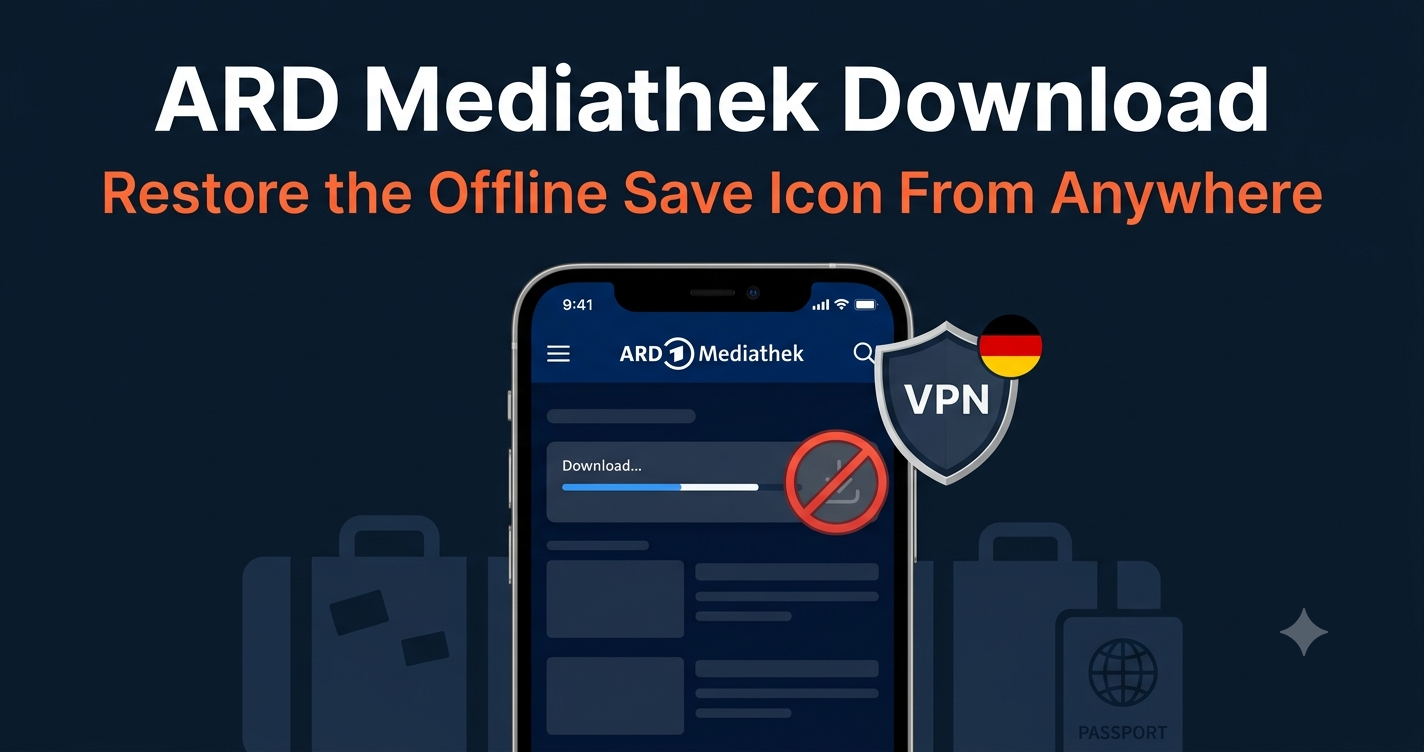
The download icon frequently does not appear at all. This guide explains the official offline option, what it can and cannot do, and why an ARD Mediathek download usually fails the moment you are abroad.
We tested all four recommended providers from Spain, the UK, and Australia in August 2026 and confirmed each connects to German servers and restores the ARD Mediathek download icon within seconds.
ARD Mediathek blocked outside Germany?
Unblock ARD Mediathek Today
NordVPN gives you a German connection for live TV and the full Mediathek library. No tech skills needed.
NordVPN: 69% off, from $3.49/month
Get Your Lowest NordVPN Price Today →✓ Trusted by 14M+ users · ✓ 30-day money-back guarantee
Does the ARD Mediathek Have an Official Download Option?
Yes. ARD provides a genuine offline function, but only inside the ARD Mediathek app for Android and iOS. There is no download button on the website, and none in the Smart TV, Fire TV or Apple TV apps.
The feature was built for offline viewing on the move, not for archiving. A saved programme is stored inside the app in a protected format. It cannot be exported as an MP4 file or copied to a computer.
Every programme carries its own licensing window, which is displayed on each video page on the official ARD Mediathek platform. When that window closes the programme leaves the catalogue, and any offline copy expires along with it.
How to Download ARD Mediathek Videos in the App
The process takes under a minute, provided the programme is actually playable in your current location. That condition matters more than any other step in this list.
- Install the ARD Mediathek app from Google Play or the App Store. The offline function does not exist in a mobile browser.
- Open the programme and press play. If playback fails, the file will not save either, because both actions use the same video stream.
- Tap the download icon underneath the player. The ARD Mediathek download begins immediately and progress appears next to the title.
- Open the Downloads section in the app menu to watch the programme later with no connection at all.
- Delete finished programmes from the same screen to free up storage space on the device.
ARD Mediathek Download Limits Every Viewer Should Know
The offline function is deliberately restricted. Understanding those limits before you start saves a considerable amount of wasted time.
Saved programmes expire. A downloaded episode stops playing once the licence period ends, even though the file is still sitting on the device. Documentaries and films often carry windows of thirty days or less.
Files cannot be exported. An ARD Mediathek download plays only inside the ARD app. There is no supported way to convert it to MP4, move it to a memory card, or open it in a separate media player.
Not every programme offers it. Sport, co-produced drama and licensed feature films are frequently excluded from the offline function entirely, even for viewers inside Germany.
Mobile only. The function exists in the Android and iOS apps and nowhere else. This surprises viewers who expected to build a library on a laptop.
Which Devices Support the ARD Mediathek Download Feature?
Streaming works almost everywhere. Offline saving does not, and the gap between the two columns below explains a large share of the confusion around this feature.
| Device | Stream ARD Mediathek | Offline Download |
|---|---|---|
| Android phone or tablet | Yes | Yes |
| iPhone or iPad | Yes | Yes |
| Android TV | Yes | No |
| Amazon Fire TV | Yes | No |
| Apple TV | Yes | No |
| Smart TV apps and HbbTV | Yes | No |
| PC or Mac browser | Yes | No |
Why the Download Icon Disappears Outside Germany
ARD holds broadcasting rights for Germany, not for the rest of the world. Films, series, sport and a large share of documentaries are geo-restricted and will not play from a foreign IP address. News output such as Tagesschau is generally available worldwide, which is why some programmes work abroad while others refuse to load.
The offline function sits behind exactly the same check. The app has to fetch the video stream in order to save it, so an ARD Mediathek download fails at the moment of saving rather than at the moment of playback.
On restricted programmes the icon does not even appear. Viewers usually assume the app is broken, the device is unsupported, or the feature has been removed. The real cause is simply the IP address the app can see.
Connecting to a German server before opening the app solves both halves of the problem at once. The programme becomes playable, the icon returns, and the saved copy then plays offline anywhere in the world, with or without a connection.
Can You Download ARD Mediathek Videos on a PC?
ARD offers no official way to save programmes on a computer. The website streams only, which is precisely why so many viewers go looking for third-party software instead.
Two desktop tools dominate. MediathekView indexes the public catalogues of ARD, ZDF and the other German broadcasters and saves available programmes as ordinary video files. The command line utility yt-dlp handles many unprotected streams in a similar way.
Both tools pull the same public streams that the mobile app uses, and they inherit exactly the same geographic restrictions. A desktop ARD Mediathek download of a licensed film fails from a foreign IP address just as reliably as it does on a phone.
Neither tool can save programmes protected by DRM. Neither removes the responsibility to respect the ARD terms of use and the copyright law that applies where you live. Personal offline viewing of freely available public broadcasting is the sensible use case here.
Ready to watch ARD from abroad?
Setup takes 2 minutes and you need no tech skills. NordVPN is 69% off today, from $3.49/month.
Yes, I Want ARD Mediathek Now →✓ Works on all your devices · ✓ 30-day money-back guarantee
Compared with NordVPN at $3.49/month. Pay $45.36 for 27 months instead of $94.23. 81% off, 30-day money-back guarantee, pay with card, PayPal or crypto.
Best VPNs for ARD Mediathek Download Abroad in 2026
NordVPN — Best Overall for German Public Broadcasting
NordVPN is the most consistent way to restore the ARD Mediathek download icon from outside Germany. The German server network spans Frankfurt and Berlin, so a working IP address is always available even at peak evening hours. SmartPlay handles server selection automatically, and NordLynx keeps download speeds high enough that a full documentary saves in a couple of minutes. 30-day money-back guarantee.
ExpressVPN — Best for Slow or Long-Distance Connections
Viewers in Asia, the Gulf and the Americas face a long route back to Germany, and that distance shows up as failed or stalled saves. The Lightway protocol from ExpressVPN holds the connection stable across that distance better than most alternatives. MediaStreamer DNS also covers Smart TVs and streaming sticks that cannot run a VPN app at all. 30-day money-back guarantee.
ProtonVPN — Best for Privacy-Conscious Viewers
ProtonVPN operates from Switzerland under an independently audited no-logs policy, which appeals to viewers who would rather their streaming habits were not recorded anywhere. German servers are fast and stable. The Stealth protocol also works on restrictive networks in the UAE and Saudi Arabia, where standard VPN traffic is sometimes detected and throttled. 30-day money-back guarantee.
IPVanish — Best for Households with Many Devices
IPVanish allows unlimited simultaneous connections on a single subscription. German expat families where several people save different programmes to different phones and tablets get the most value from that model. German servers cover both streaming and offline saving. 30-day money-back guarantee.
Watching ARD Mediathek on a Smart TV Abroad
Smart TVs, Fire TV sticks and Apple TV boxes never had an offline function to begin with, so the only question on those devices is whether the stream plays at all. Outside Germany it usually does not.
The cleanest fix is a VPN installed on the router, which puts every device in the house behind a German IP address at once. Where router configuration is not an option, a DNS-based service handles the same job on devices that cannot run VPN software.
Choose Your VPN for ARD Mediathek
NordVPN
Fastest for streaming and trusted by 14M+ users. 69% off, from $3.49/month.
Unblock ARD Mediathek Now →Proton VPN
No long commitment. Pay monthly from $9.99 and cancel anytime.
Get Proton VPN Today →CometVPN
Just $1.89/month on the 2-year plan (81% off). Compared with NordVPN at $3.49/month. Pay $45.36 for 27 months instead of $94.23. 30-day money-back guarantee.
Get CometVPN Today →✓ Money-back guarantee on both · ✓ No tech skills needed
Frequently Asked Questions
Is there an official ARD Mediathek download option? Yes, inside the ARD Mediathek app for Android and iOS. The saved programme plays only within that app and expires when the licence period for the programme ends.
Why is the download icon missing on some programmes? Two reasons. Either the rights holder excluded that title from the offline function, or you are outside Germany and the programme is geo-restricted, in which case the icon is hidden before you ever see it.
Can I save ARD Mediathek videos as MP4 files? Not through the official app. Desktop tools such as MediathekView produce ordinary video files from the public streams, but they cannot handle DRM-protected titles and they still require a German IP address for restricted content.
Does an ARD Mediathek download work outside Germany? Only once the programme itself is accessible. Connect to a German server first and the icon returns, the file saves normally, and the offline copy then plays anywhere. NordVPN has German servers in Frankfurt and Berlin →
Do saved programmes expire? Yes. The offline copy is tied to the same licensing window as the online version, so it stops playing once the programme leaves the catalogue. Watching within the first few weeks is the safest approach.
Is it legal to use a VPN with the ARD Mediathek? VPN use is legal in Germany and in most countries worldwide. Access to geo-restricted programmes remains subject to the ARD terms of use, so check the rules that apply to you before relying on it.
Related Guides
- How to Watch ARD Mediathek Abroad
- ARD Mediathek Not Working Abroad
- ARD Mediathek on Smart TV Abroad
- ARD Mediathek on Apple TV Abroad
- Watch Das Erste and Tagesschau Outside Germany
- ZDF Mediathek Abroad
- Best VPN for Expats in Germany
💰 CometVPN — Budget Pick
Just $1.89/month on the 2-year plan (81% off). 30-day money-back guarantee, pay with card, PayPal or crypto.
Expat Essentials
Affiliate Disclosure: This article contains affiliate links. If you purchase a VPN through our links, we may earn a commission at no additional cost to you. This does not affect our recommendations.