TOD TV on Smart TV Abroad: Complete Setup Guide (2026)
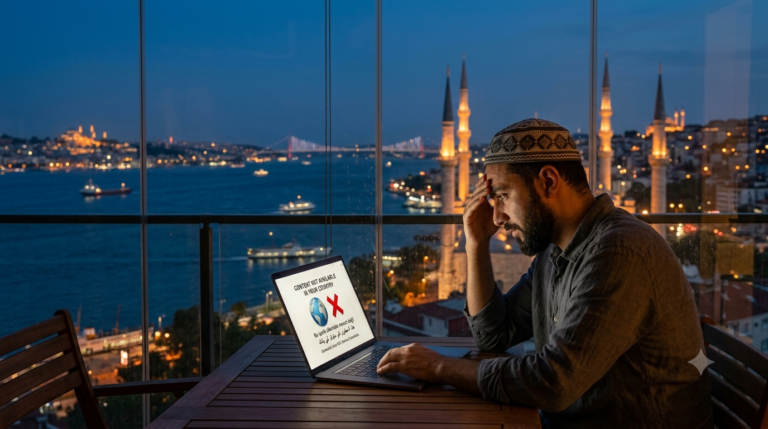
Watching TOD TV on Smart TV abroad is a different challenge from watching on a phone or laptop. Many Smart TVs cannot run standard VPN apps, and since November 2025 TOD also blocks most standard VPN servers, so the old fixes no longer work reliably.
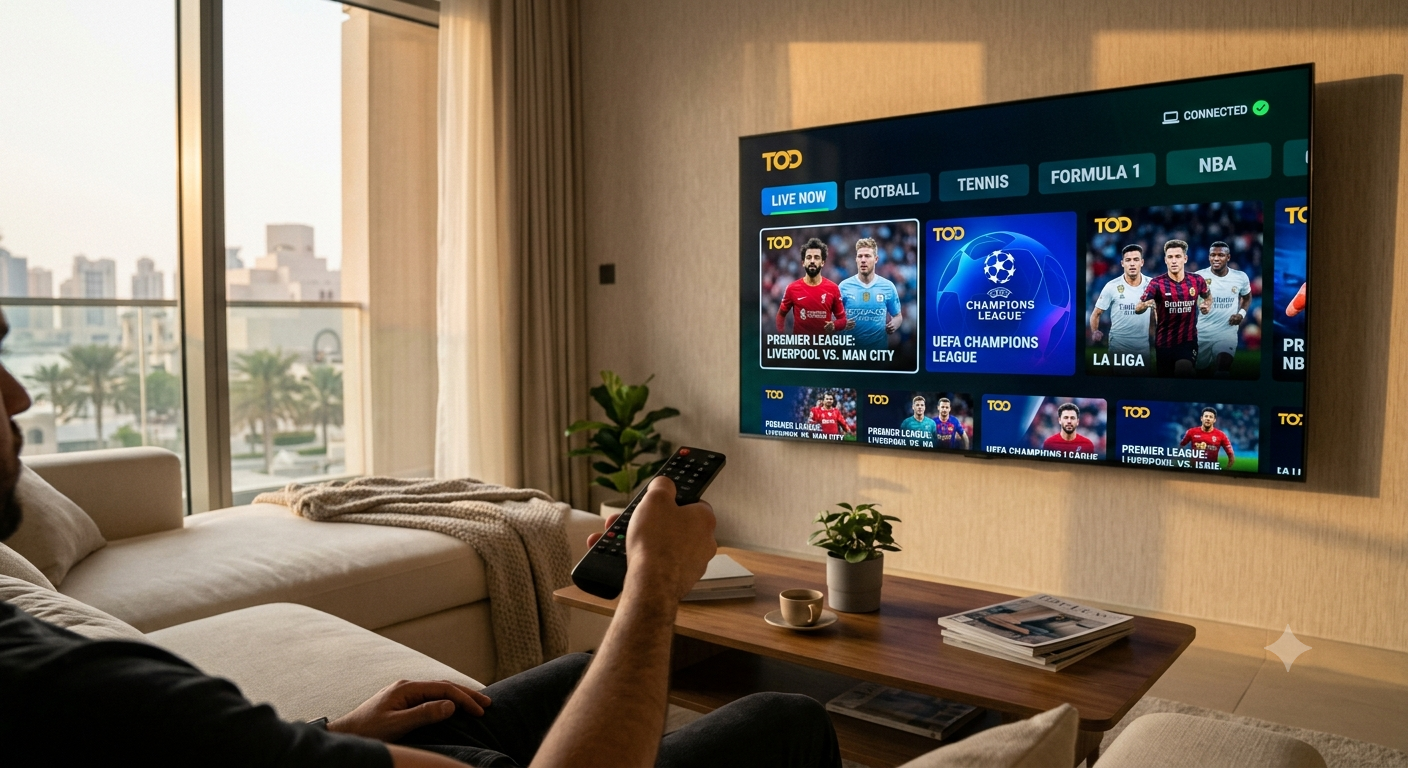
Yes, you can still watch TOD on your TV from abroad. This guide shows you the proven solution for 2026 and the setup for every common Smart TV type, whether you are in the UK, Germany, France, Spain, Turkey, or anywhere else outside MENA.
Editor’s Choice for TOD on Smart TV
SafeShell VPN — Proven to Work With TOD
SafeShell VPN runs a dedicated TOD service and has apps for Smart TV and Apple TV, so you can watch TOD on the big screen from any country. No router setup and no tech skills needed. One account covers up to 5 devices, including your phone and laptop. 7-day money-back guarantee.
How to Set Up TOD TV on Smart TV Abroad With SafeShell
- Get SafeShell VPN through our link and choose a plan — you are covered by the 7-day money-back guarantee
- Install the SafeShell app on your Smart TV or Apple TV from the TV app store and log in
- Switch on App Mode in the settings so the TOD app is routed through SafeShell
- Choose a server in the country of your TOD subscription, for example the UAE, Qatar, or Saudi Arabia
- Click Connect and wait for the connection to become active
- Open the TOD app on your TV, log in, and start watching
Yes, I want TOD on my TV today — SafeShell VPN, 7-day money-back guarantee
TOD TV on Smart TV Abroad by TV Type
Android TV and Google TV (Sony, Philips, Hisense, TCL)
Android-based TVs can run VPN apps. Open the Google Play Store on the TV, install SafeShell VPN, log in, and connect before opening TOD. This is the simplest way to get TOD TV on Smart TV abroad working.
Apple TV
SafeShell VPN has an Apple TV app. Install it from the App Store on the Apple TV, log in with the same account you use on your phone, connect to a server in your TOD region, and open TOD.
Fire TV Stick
If your TV does not support VPN apps, a streaming stick is the easiest upgrade. Check the SafeShell device list for the latest supported sticks, or use an Android TV or Apple TV box with the SafeShell app.
Samsung (Tizen) and LG (webOS)
Samsung Tizen and LG webOS TVs have limited VPN app support. The easiest route is to connect SafeShell on your phone or laptop and cast or mirror TOD to the TV, or plug in an Apple TV or Android TV box with the SafeShell app installed.
Best VPNs for TOD TV on Smart TV Abroad
1. SafeShell VPN — Editor’s Choice
SafeShell VPN is proven to work with TOD. It offers a dedicated TOD service, App Mode for streaming apps, Smart TV and Apple TV apps, and no bandwidth limits, which matters for a full HD live match on a big screen.
One subscription covers up to 5 devices, so your TV, phone, and laptop are all covered. Every plan comes with a 7-day money-back guarantee. Try SafeShell VPN risk-free here.
2. CometVPN Native Residential
CometVPN routes your connection through real home internet addresses in the UAE or Qatar with its Native Residential option, which TOD is far less likely to flag. It works best on phones, tablets, and laptops, from which you can cast to the TV.
Native Residential data is billed per GB on top of the base plan. A full HD football match uses around 3 to 5 GB.
| CometVPN Plan | Price | |
|---|---|---|
|
24 Months
30% off + 3 months free
|
$31.75
$1.18/mo
|
Try CometVPN Risk-Free → |
|
12 Months
20% off + 1 month free
|
$24.00
$1.85/mo
|
Try CometVPN Risk-Free → |
|
1 Month
10% off
|
$8.99
first month
|
Try CometVPN Risk-Free → |
Discount applied automatically through our links, no code needed. Every plan includes 1 GB of residential home IPs for free. 30-day money-back guarantee.
3. Mysterium VPN
Mysterium VPN also uses residential IPs through a decentralised network of home connections. It is a reasonable third option if neither SafeShell nor CometVPN suits you. Try Mysterium VPN here.
Why Standard VPNs Do Not Work for TOD on Smart TV Abroad
Standard VPN apps cannot be installed on many Smart TV platforms, and a router-level VPN is technically complex and affects every device on the network. Even when it is set up correctly, TOD TV on Smart TV abroad may still fail with a standard VPN.
The November 2025 TOD detection upgrade blocks standard VPN datacenter IPs even when the server is in a MENA country. That is why we recommend SafeShell VPN, which runs a dedicated TOD service and offers its own TV apps.
Troubleshooting TOD TV on Smart TV Abroad
TOD still shows a geo-block after connecting. Close the TOD app completely, check that App Mode is switched on in SafeShell, reconnect, then open TOD again. Clearing the TOD app cache in the TV settings also helps.
TOD error 2004 appears on the TV. This is a VPN-detection error. Reconnect SafeShell to another server in the same country and clear the app cache. See our TOD error 2004 guide for more.
TOD buffers or loads slowly. Use a wired connection or 5 GHz WiFi for the TV, lower the stream quality, and connect at least 10 minutes before kick-off for live matches.
Can I watch TOD on Smart TV abroad?
Yes. SafeShell VPN, which is proven to work with TOD, has apps for Smart TV and Apple TV. Install the app on your TV, connect to a server in your TOD region, and open TOD.
Does a VPN work for TOD on Smart TV?
Standard VPNs often fail because TOD blocks datacenter IPs. A VPN built for TOD, such as SafeShell VPN with App Mode, works on Android TV, Google TV, and Apple TV. On Samsung or LG TVs, connect SafeShell on your phone and cast, or use a streaming box with the SafeShell app.
How do I watch TOD on a Samsung Smart TV abroad?
Samsung Tizen TVs have limited VPN app support. Connect SafeShell VPN on your phone or laptop and cast TOD to the TV, or plug in an Apple TV or Android TV box with the SafeShell app installed.
Why did TOD stop working on my Smart TV after it was working?
TOD regularly updates its list of blocked VPN servers. If you were using a standard VPN, the server may have been flagged. SafeShell keeps its TOD support updated, so reconnecting usually fixes it.
Choose Your VPN for TOD on Smart TV
Start watching TOD on your TV today
SafeShell VPN: 7-day money-back guarantee. CometVPN and Mysterium VPN: 30-day money-back guarantee.
Related Guides
- TOD TV Outside MENA: Full Guide
- TOD Error 2004: What It Means and How to Fix It
- TOD Not Working in UAE
- TOD TV in the UK
- Does TOD Work in Europe?
- How to Watch TOD TV Abroad
- How to Watch beIN Sports Abroad
Expat Essentials
Affiliate Disclosure: This article contains affiliate links. We may earn a commission at no additional cost to you.