ITVX in Dubai: How to Watch ITV From the UAE (2026)
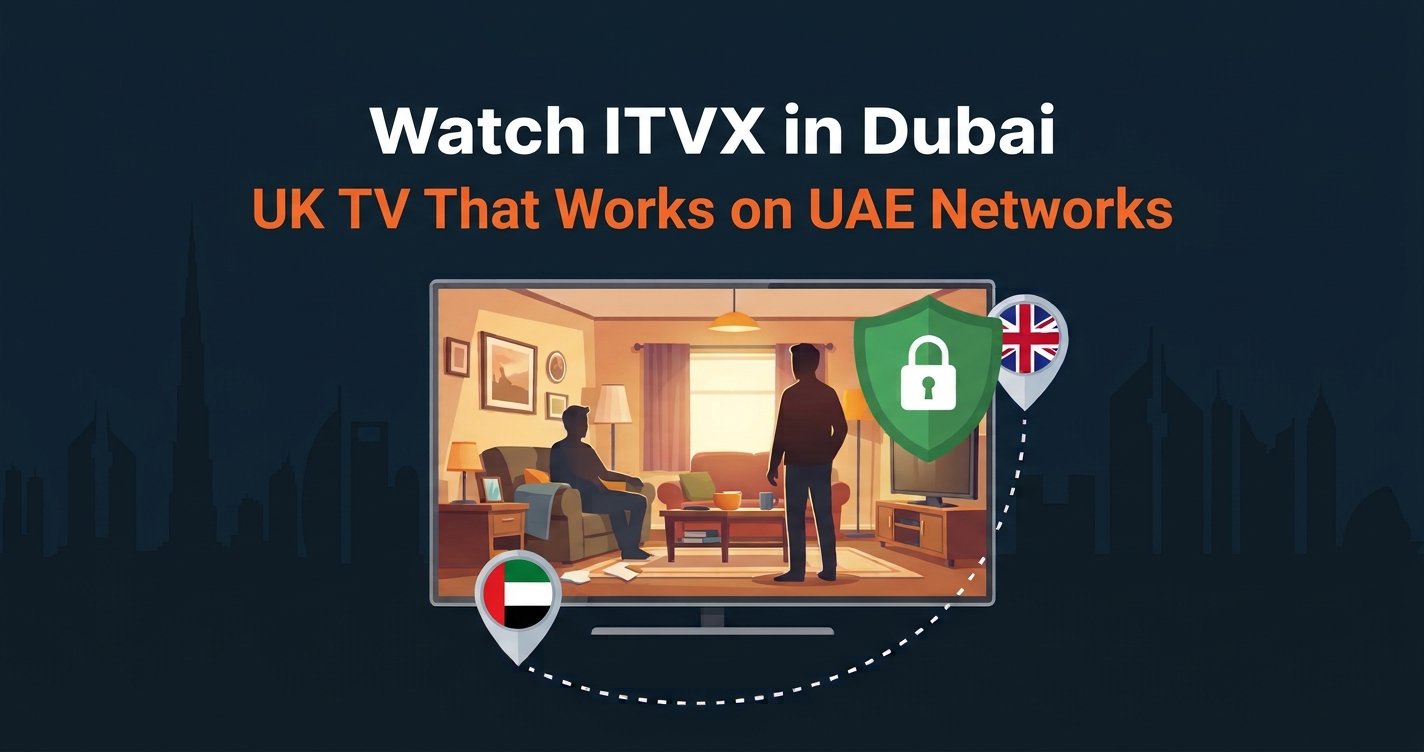
Yes, you can watch ITVX in Dubai, and it takes about two minutes to set up. ITVX only plays inside the UK, so in Dubai Marina, Jumeirah or Abu Dhabi you see a message that the service is not available in your location. Connect to a UK server with a VPN and ITV1, Coronation Street, Emmerdale and the full ITVX library load as they do at home.
This guide gives you the quick setup first, then the best VPNs for ITVX in Dubai, how to sign up from abroad, how to handle the time difference, and the fixes for the “turn off your VPN” message. It is written for the large British community across the UAE.
Watch ITVX in Dubai Today
NordVPN gives you a UK IP address in seconds, so ITVX works from anywhere in the UAE.
30-day money-back guarantee · 78% off + 3 months free
How to Watch ITVX in Dubai in 4 Steps
To watch ITVX in Dubai, you need a VPN with servers in the UK. The steps are the same on a phone, laptop, Smart TV or Fire TV Stick.
- Choose a reliable VPN provider — we tested and recommend NordVPN or Surfshark, both of which work with ITVX.
- Connect to a UK server — London or Manchester both work well.
- Open ITVX — use the website or the app and sign in to your ITVX account.
- Start watching — live ITV1 and the on-demand library now play without the location message.
If ITVX still blocks you, clear the browser cache or restart the app after the VPN is connected. The fixes section below covers every common error.
Why ITVX Does Not Work in Dubai
ITV only holds the rights to show its programmes in the UK. When you open the app, ITVX checks your IP address, sees a UAE connection from e& (Etisalat) or du, and blocks the stream.
This block comes from ITV, not from the UAE. A UK IP address is what makes ITVX work normally again. The one UAE-specific catch is that VPN provider websites can be hard to reach from local networks, so it is easiest to install the VPN app before you fly or from the official app store. Our guide on installing a VPN before UAE travel explains this step.
How to Sign Up for ITVX From the UAE
If you already have an ITVX account from the UK, just sign in with the VPN connected. If you are new, you can create an account from Dubai in a few minutes.
- Connect your VPN to a UK server before opening ITVX.
- Choose “Sign up” and enter your email address, a password and your date of birth.
- Enter a UK postcode when asked. Your old home postcode or a family member’s address is the natural choice.
- Confirm your email, and you are ready to watch.
The free version of ITVX has adverts. ITVX Premium removes most adverts and adds BritBox content, and it is billed through the app store or a card.
What You Can Watch on ITVX in Dubai
With a UK connection you get the full ITVX catalogue, the same as viewers in Leeds or London.
Soaps and Daily Favourites
Coronation Street and Emmerdale are the main reason many British families look for ITVX in Dubai. New episodes appear on ITVX shortly after they air, so you can keep up from Dubai or Abu Dhabi without missing a storyline.
Reality and Entertainment
I’m a Celebrity, which usually runs in November and December, Love Island, Britain’s Got Talent and The Chase are all on ITVX. Many expats say these shows are the thing they miss most about British TV.
ITV News and Good Morning Britain
ITV News bulletins and Good Morning Britain stream live and on demand. They are an easy way to follow UK news and the weather back home.
Live Sport
ITV shows major football and rugby tournaments, including England and home nations matches when ITV holds the rights. With the VPN set up, you can watch these live on ITV1 or catch up on highlights.
How Other British Expats in the UAE Solve It
Most British expats who want ITVX in Dubai follow the same routine: a VPN app on the phone and the TV, connected to London before they press play. The same subscription also works for BBC iPlayer, Channel 4 and UK banking apps.
Setup takes about two minutes, and you do not need any technical knowledge. After the first time, it is one tap to connect.
Ready to Watch ITVX in Dubai?
30-day money-back guarantee · 78% off + 3 months free
Best VPNs for ITVX in Dubai
We tested these three VPNs with ITVX live TV and on-demand from UAE connections. All three have UK servers that ITVX accepts and handle HD streaming from the Gulf.
1. NordVPN — Best Overall for ITVX
NordVPN is our top pick for ITVX in Dubai. Its UK servers load ITVX reliably, and its obfuscated servers help it connect on UAE networks that slow down standard VPN traffic.
SmartPlay lets you watch on Apple TV and Smart TVs that cannot run a VPN app. One account covers up to ten devices. Read our NordVPN review.
2. Surfshark — Best Value for Couples and Families
Surfshark is the best value choice when more than one person in the house watches UK TV. One plan covers unlimited devices, so Corrie can play on the TV while someone else watches on a tablet.
Fast WireGuard connections keep streams stable from the UAE. Read our Surfshark review.
UK TV on Every Screen in the UAE
Surfshark covers unlimited devices with fast UK servers for ITVX in Dubai.
30-day money-back guarantee · 87% off + 3 months free
3. Proton VPN — Strong Privacy and Streaming Support
Proton VPN supports ITVX on its streaming servers and has clear setup guides for every device. Its Stealth protocol is designed to get through networks that block standard VPN connections, and its flexible monthly plans suit people on short contracts in the UAE.
ITVX in Dubai and the Time Difference
The UAE is 4 hours ahead of the UK in winter and 3 hours ahead in summer. A 7:30 pm episode of Coronation Street in Manchester airs at 11:30 pm in Dubai during the winter months.
That is late on a school night, so most families use the on-demand library and watch the previous evening’s episodes after work. Live sport works well: a 3 pm Saturday kick-off on ITV1 starts at 7 pm in Dubai, which is perfect for watching at home with friends.
ITVX on a Smart TV in the UAE
On Android TV, Google TV and Amazon Fire TV, install the VPN app, connect to the UK and open ITVX. It works the same way as on your phone.
Samsung and LG TVs bought in the UAE often do not show the ITVX app at all, because the app store follows the TV’s region. The simplest fix is a Fire TV Stick or Android TV box set to the UK, with the VPN app installed. You can also cast from a phone with the VPN connected. Our guide to ITVX on a Smart TV abroad covers every option for getting ITVX onto the big screen.
ITVX Not Working in the UAE? Fixes
If ITVX in Dubai still does not load after you connect, one of these fixes usually solves it.
“Turn Off Your VPN” Message
ITVX blocks some server addresses it recognises as VPNs. Switch to a different UK server and reload. NordVPN and Surfshark both rotate addresses, so a new server usually works straight away. Our full guide to ITVX not working with a VPN goes through every step.
Clear the Cache
ITVX can remember your UAE location in its cookies. Clear the browser cache, or open a private window, and reload with the VPN connected.
Turn Off Location Access
On phones, the ITVX app can read your GPS location. Turn off location access for the app so it uses your VPN location instead.
VPN Will Not Connect
Some UAE networks slow down or block common VPN protocols. Switch the protocol in your VPN app, try NordLynx or WireGuard first, and turn on obfuscated servers if your provider offers them. Connecting on home fibre is usually more reliable than on hotel or office Wi-Fi.
Is It Legal to Use ITVX in Dubai With a VPN?
VPNs are legal in the UAE for legitimate purposes, and banks, businesses and many residents use them every day. UAE law targets using a VPN to commit a crime or to reach content that is illegal in the UAE. Streaming British soaps and news falls outside that, but you should still understand the rules before you start. Our UAE VPN legal guide covers them in detail.
ITV explains its location rules on the official ITVX site. The UAE Telecommunications and Digital Government Regulatory Authority publishes the country’s internet rules.
Choose Your VPN for ITVX in Dubai
ITVX in Dubai — Compare VPNs
NordVPN
Best Overall
Obfuscated servers
30-day money-back guarantee · 78% off + 3 months free
Surfshark
Best Value
Unlimited devices
30-day money-back guarantee · 87% off + 3 months free
Proton VPN
Strong privacy
Flexible monthly plans
30-day money-back guarantee · 75% off
Does ITVX work in the UAE?
Not without help. ITVX only plays in the UK, so you need a VPN connected to a UK server. With one, ITVX in Dubai works in full, including live ITV1.
Can I sign up for ITVX from the UAE?
Yes. Connect to a UK server first, then create an account with your email address and a UK postcode.
Is ITVX free in the UAE?
The standard ITVX service is free with adverts. ITVX Premium is an optional paid upgrade with fewer adverts and extra content.
What is the best VPN for ITVX in Dubai?
NordVPN is our top pick for its reliable UK servers and obfuscated servers that work well on UAE networks. Surfshark is the best value for households because it covers unlimited devices.
Related Guides
- ITVX Abroad
- ITVX Not Working With VPN
- BBC iPlayer in Dubai
- British Expat in the UAE VPN Guide
- Best VPN for Expats in Dubai
- Netflix Not Working in the UAE
Expat Essentials
Affiliate Disclosure: This article contains affiliate links. If you purchase a VPN through our links, we may earn a commission at no additional cost to you.