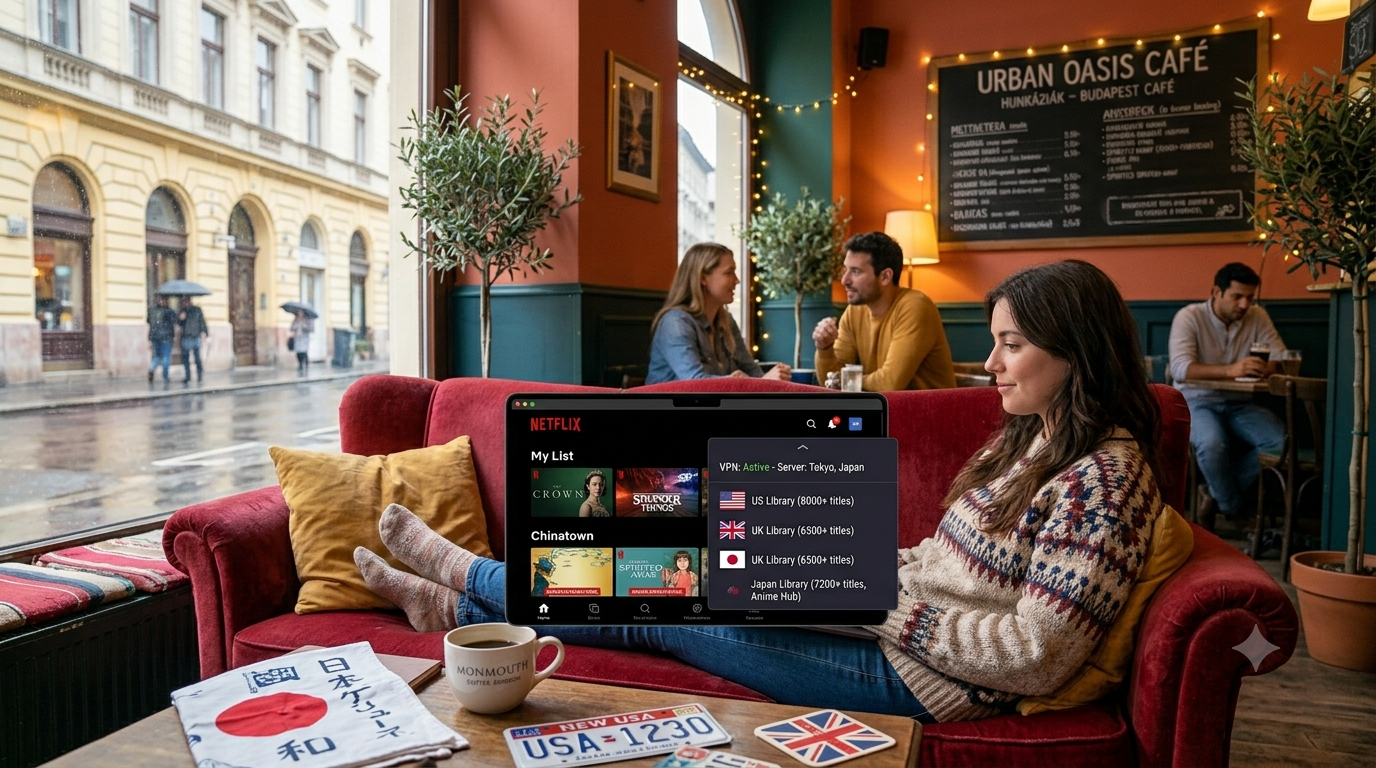
Best VPN for Streaming Netflix Abroad (2026): Unblock Every Library From Anywhere
The best VPN for watching Netflix abroad is NordVPN: connect to a server in your home country, open Netflix and the shows you watch at home are back, and setup takes about two minutes. Surfshark is the best value when several screens stream at once, and Proton VPN suits people who want the strongest privacy.
Our #1 Pick for Netflix Abroad
NordVPN connects you to your home country, so your usual Netflix shows play wherever you are.
30-day money-back guarantee · 78% off + 3 months free
Below is why Netflix changes when you cross a border, how the three picks compare, what to do about the proxy error, and how Netflix’s household rules affect you when you travel or move abroad.
Last checked: November 2026.
Why Netflix Changes When You Travel
Netflix buys the rights to most films and series country by country, so the catalogue depends on where your connection comes from, not where you pay. A series you were halfway through at home can disappear when you land, and new titles appear instead. Netflix originals are usually available everywhere; licensed films and series are what change. JustWatch shows which titles are on Netflix in each country.
How to Watch Your Home Netflix Abroad
- Sign up to a VPN. We recommend NordVPN. Download the app from the NordVPN website.
- Connect to your home country.
- Close Netflix completely and reopen it, so it loads the catalogue for your connection.
- Search for your show and press play.
- Keep the VPN connected while you watch.
The Best VPNs for Netflix Abroad
1. NordVPN: Best Overall for Netflix
NordVPN has servers in a long list of countries, works with the major streaming services and runs on phones, computers and TV sticks. SmartPlay brings streaming to smart TVs and consoles that cannot run a VPN app. If one server shows the proxy error, switching to another in the same country usually fixes it. Read our NordVPN review.
2. Surfshark: Best Value for Every Screen
Surfshark covers unlimited devices on one plan, so the TV, laptops and phones in the house can all stream at once. Smart DNS works on smart TVs and consoles, and the app suggests another server if one stops working. Read our Surfshark review.
Netflix on Every Screen
Surfshark covers unlimited devices on one plan.
Black Friday %Try Surfshark Risk-Free →
30-day money-back guarantee · 3 months free
3. Proton VPN: Best for Privacy
Proton VPN is based in Switzerland, has audited no-logs apps and supports streaming on its paid plans. The free plan is not built for streaming, so choose a paid plan if Netflix is the main reason you want a VPN. Read our Proton VPN review.
| NordVPN | Surfshark | Proton VPN | |
|---|---|---|---|
| Best for | Most people | Many screens at once | Privacy |
| Devices per account | Up to 10 | Unlimited | Up to 10 |
| Smart TVs without a VPN app | SmartPlay | Smart DNS | Cast from a phone or laptop |
| Streaming on the free plan | No free plan | No free plan | No, paid plans only |
| Money-back guarantee | 30 days | 30 days | 30 days |
Netflix Household Rules When You Travel or Move
Netflix ties an account to one household, based mainly on the TV at your home address. Phones, tablets and laptops that you sign in on regularly can usually keep watching while you travel. A TV is different: signing in on a TV in a holiday flat or a new home abroad can trigger a household check, and Netflix may ask for a code sent to the account owner or offer a temporary travel option. If you have moved abroad for good, update your household in the Netflix account settings from the TV at your new home, so the new place becomes your main household. Netflix’s help centre explains the household rules.
Seeing the Netflix Proxy Error?
If Netflix says you seem to be using a VPN or proxy, it has flagged that server address, not your account. Netflix does not close accounts over it. Connect to a different server in the same country, close Netflix completely and reopen it. On a browser, clearing the cache also helps. If you see only Netflix originals and no licensed titles, the same fix applies. Netflix’s help page on the proxy error describes the message.
Netflix on Your TV Abroad
Fire TV sticks and Android TV can run the NordVPN app directly. Samsung, LG and most other smart TVs cannot, so use NordVPN SmartPlay or Surfshark Smart DNS, cast from a phone running the VPN, or connect a laptop with an HDMI cable. A Fire TV stick from home is the simplest option for a holiday flat.
What is the best VPN for Netflix abroad?
NordVPN is our first choice for wide country coverage, TV apps and SmartPlay. Surfshark is the best value for many screens, and Proton VPN suits people who want the strongest privacy.
Why are my Netflix shows missing abroad?
Netflix licenses most films and series country by country, so the catalogue follows your connection. Netflix originals are usually available everywhere.
Does Netflix ban accounts for using a VPN?
No. Netflix blocks flagged server addresses and shows a proxy error. Switching to another server in the same country usually fixes it.
Will Netflix work on the TV in my holiday flat?
A TV outside your household can trigger a household check. Netflix may ask for a code or offer a temporary travel option. Phones and laptops you use regularly usually keep working.
Does the Proton VPN free plan work with Netflix?
The free plan is not built for streaming. Choose a paid Proton VPN plan, NordVPN or Surfshark for Netflix.
Related Guides
- Best VPN for Streaming Abroad
- How to Watch BBC iPlayer Abroad
- Hulu Outside the US
- HBO Max Abroad
- Best VPN for Expats
Expat Essentials
Affiliate Disclosure: This article contains affiliate links. We may earn a commission at no additional cost to you.